In the previous lesson, you used EEM to automate tasks directly on a router.
EEM is powerful, but the applet runs inside a single device.When you need to manage a fleet of devices from a central place, you write external scripts using Python.
Your Python script does not type CLI commands like a human. It sends structured requests to an API on the device, and the device replies with structured data in JSON.
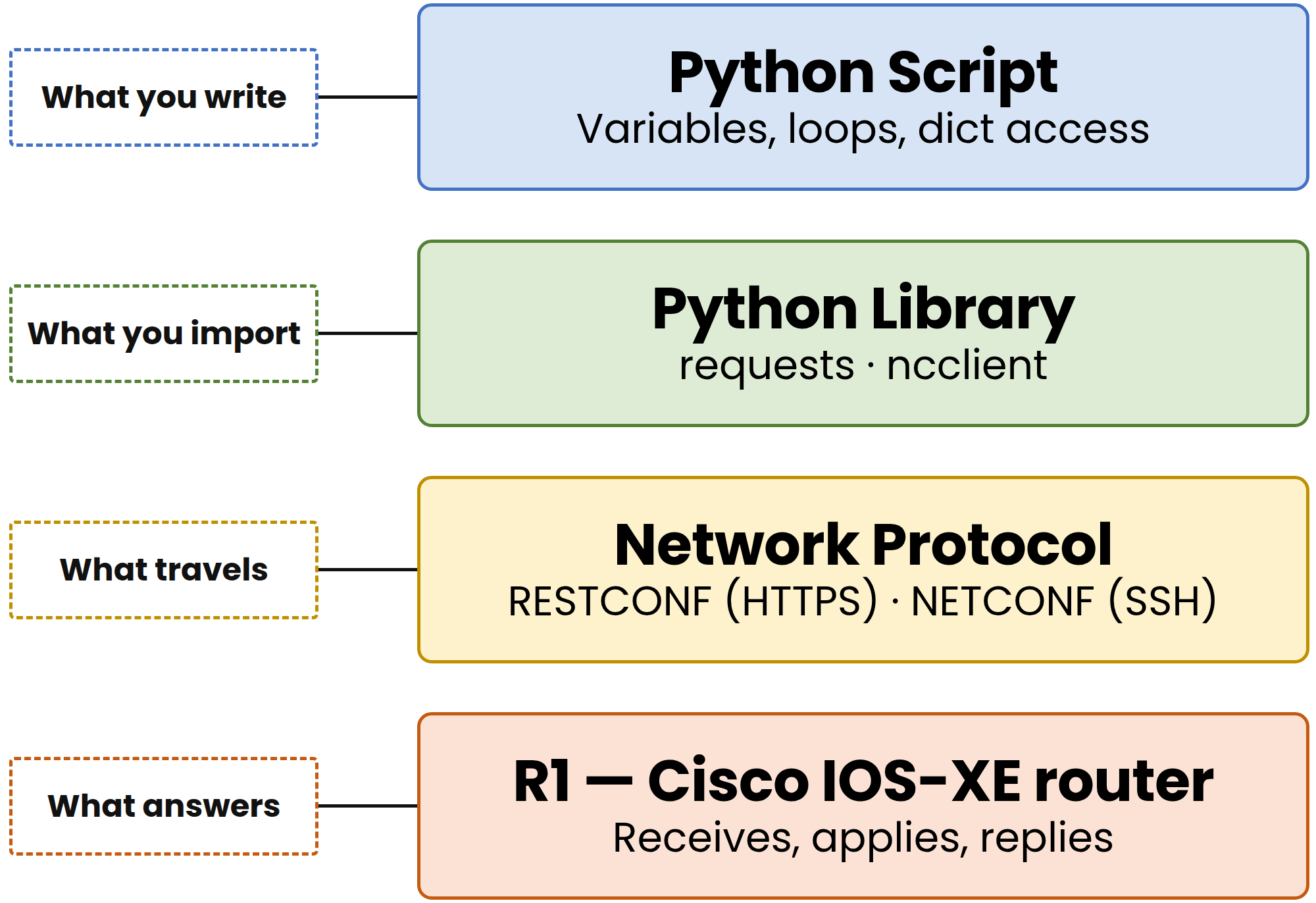
Figure 1 – The four pieces behind every script that talks to a router
The Four Architecture Pieces
Four pieces work together every time a script talks to a router:
The script you write: variables, lists, dictionaries, and loops that hold your logic.
The library you import: the Python package doing the heavy lifting, such as
requestsorncclient.The protocol on the wire: RESTCONF or NETCONF travelling between your script and the device.
The device that answers: the Cisco IOS-XE router receiving the request, applying it, and replying.
This lesson covers the first piece: the plain Python logic you write to handle network data structures.
Answer the question below
What does the Python script send to a device that exposes an API? (one word, plural)
Answer the question below
In what format does the device reply to a Python script?
Every exam exhibit you read is built from these same building blocks. Master them to read any script instantly.
hostname = "R1"
ip_address = "192.168.1.1"
port = 830
enabled = True
Three types cover almost every networking value you will see:
string: text in quotes, like
"R1"integer: a whole number, like
830boolean:
TrueorFalse(capitalized in Python)
Answer the question below
What type is the value assigned to "port" in port = 830?
Lists and Dictionaries
A list stores multiple values in order using square brackets:
interfaces = ["Gi0/0", "Gi0/1", "Gi0/2", "Gi0/3"]

print(interfaces[0])    # first element
print(interfaces[-1])   # last element
Output:
40 % Complete: you’re making great progress
Ready to pass your CCNP exam?