Welcome to "From Helpdesk to Network Engineer"
For 14 days, you'll play the role of a young Helpdesk technician who is working hard to become a Network Engineer.
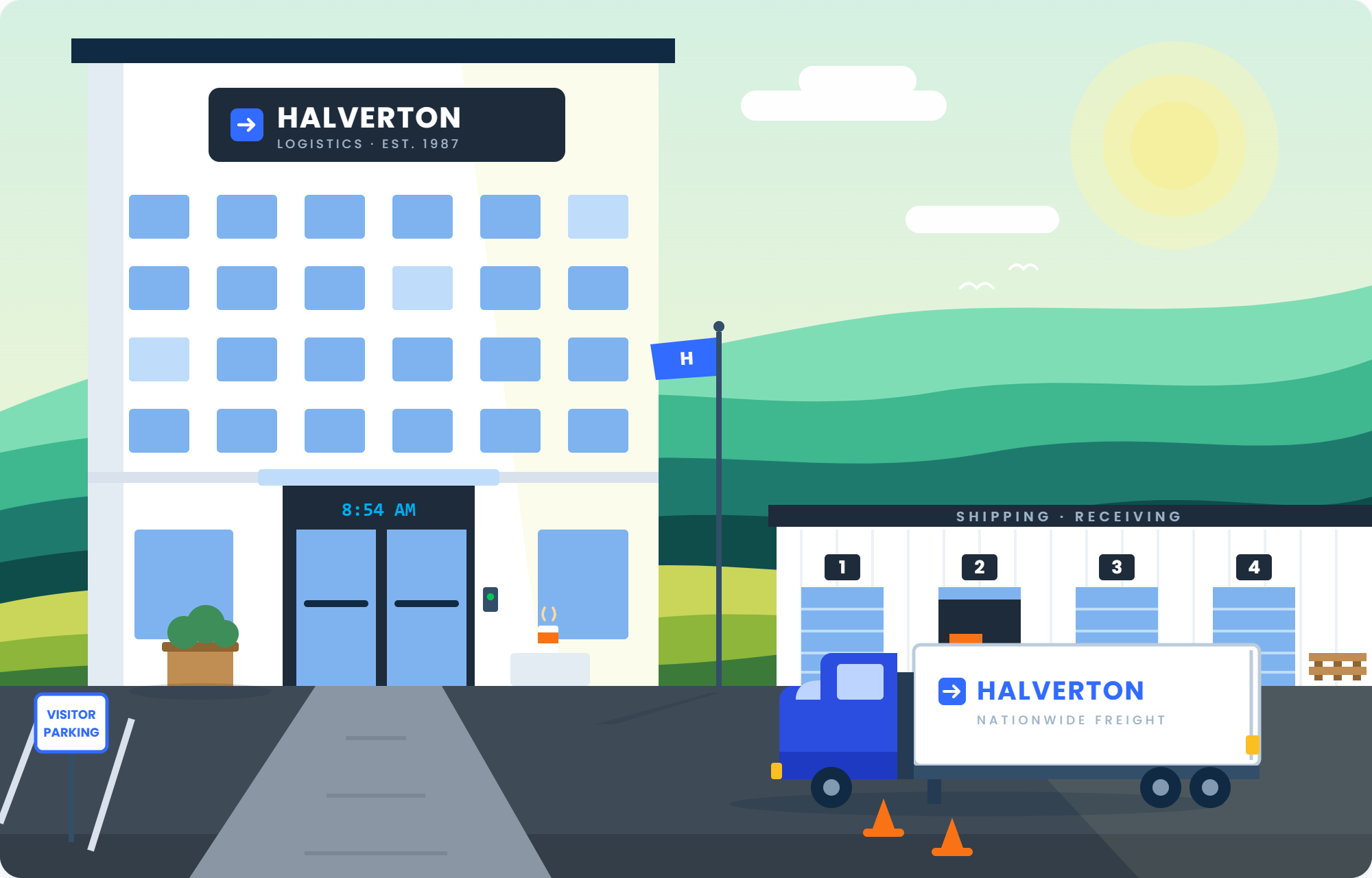
The difficulty will increase day by day as you climb the corporate ladder. The story takes place at Halverton Logistics.
Every day you'll:
move forward in the story,
complete a lab,
and learn new skills.
Prizes
More than $10,000 in prizes to be won:
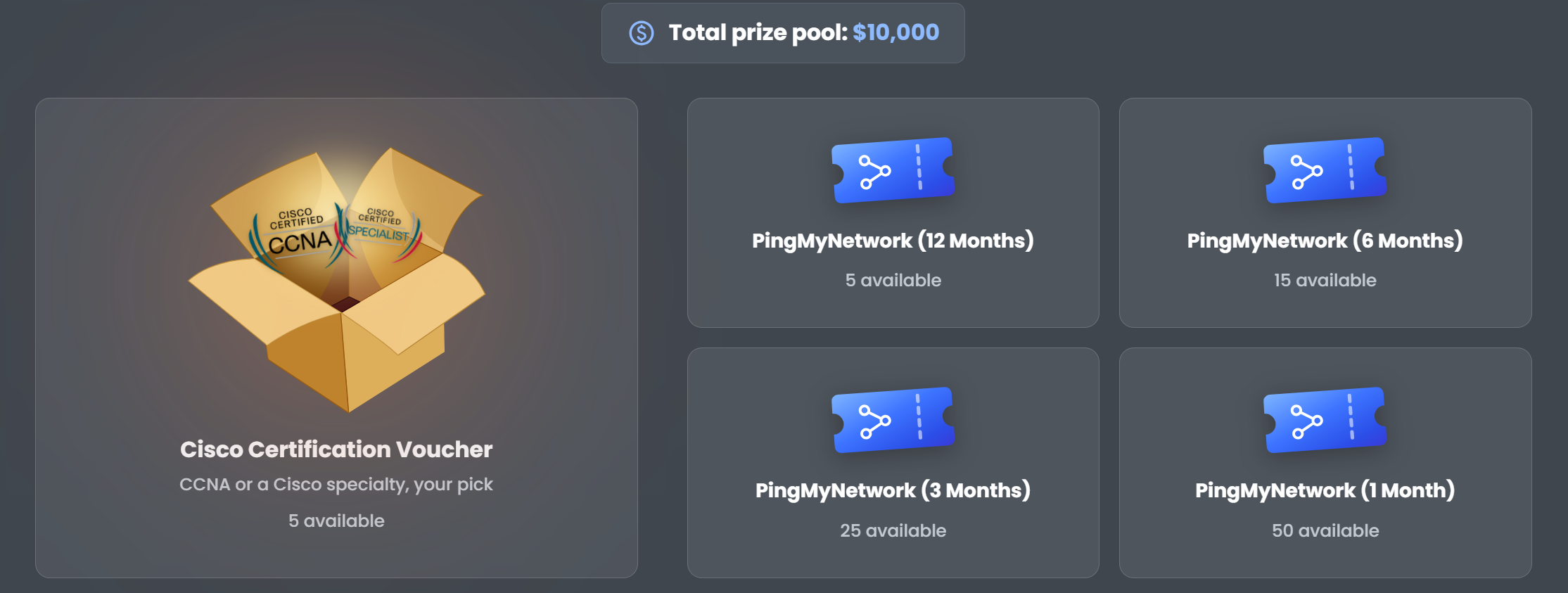
5 Cisco vouchers of your choice
5 x 12-month PingMyNetwork subscriptions
15 x 6-month PingMyNetwork subscriptions
25 x 3-month PingMyNetwork subscriptions
50 x 1-month PingMyNetwork subscriptions
Qualifying for the prizes couldn't be easier.
Every day you finish gives you a ticket. There are 14 days, so 14 tickets. Plus, 6 tickets to be won by sharing the event on social media.
20 tickets in total.
At the end, a drawing will be held to select the 100 winners!
Certificate
Finally, if you complete every day in the event, you will earn a certificate of completion!

As your name will be included on the certificate, we advise ensuring your full name is set (and updated) in your profile.
Join our Discord

Discord is the heart of the PingMyNetwork community. It’s where we chat with everyone, get career advice, find help with difficult lab, and find out when a new course is launched. Our Discord server has over 800 members (and keeps growing every day), so there’s always something going on.
Click on this link to join our Discord Server: Join the Community!
Answer the question below
Ready? Click "Complete"
TIME
ROLE
SALARY
Day 1
Helpdesk Technician
$52,000
It is 8:54 AM, and you are standing in front of Halverton Logistics for your first day of work.
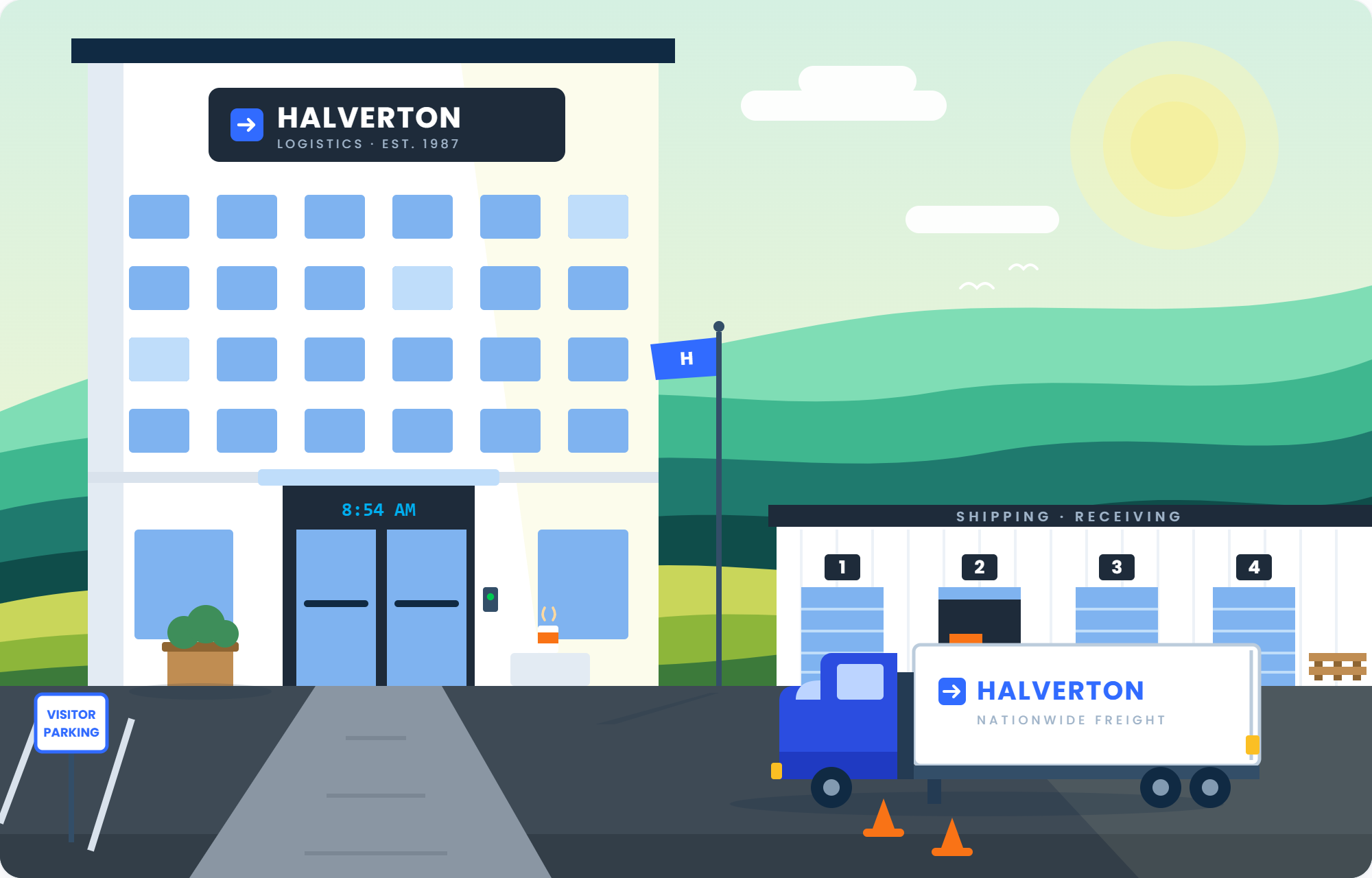
Figure 1 – Halverton Logistics HQ
You take the elevator to the third floor, where the IT team works.
Dave, the helpdesk manager, shows you your desk and hands you a headset.
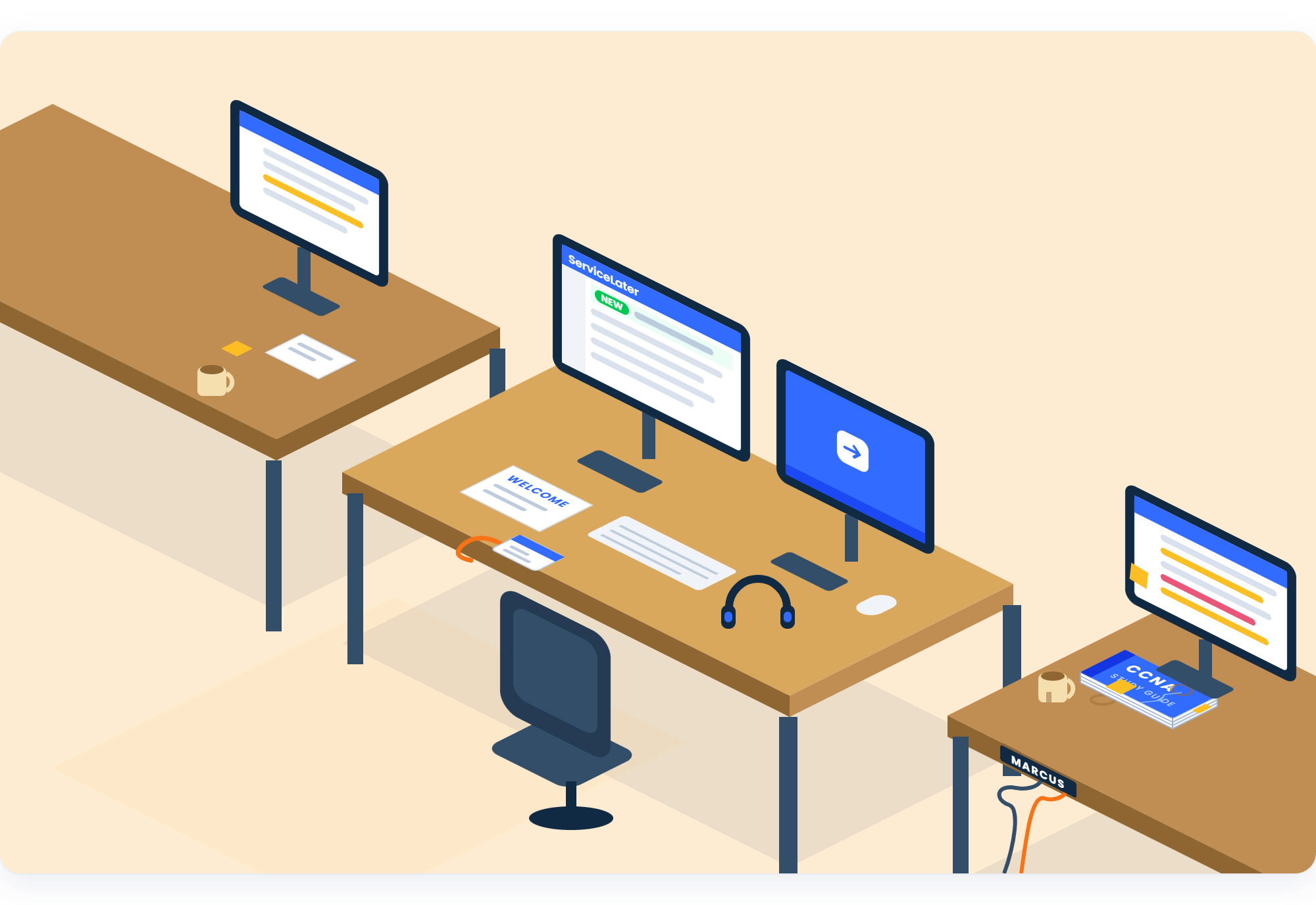
Figure 2 – Your desk, next to Marcus's
At the desk next to yours, a guy named Marcus says hello, a book sitting under his screen.
At the end of the room, there is a glass wall.
Behind the glass, the network team works in the quiet day and night.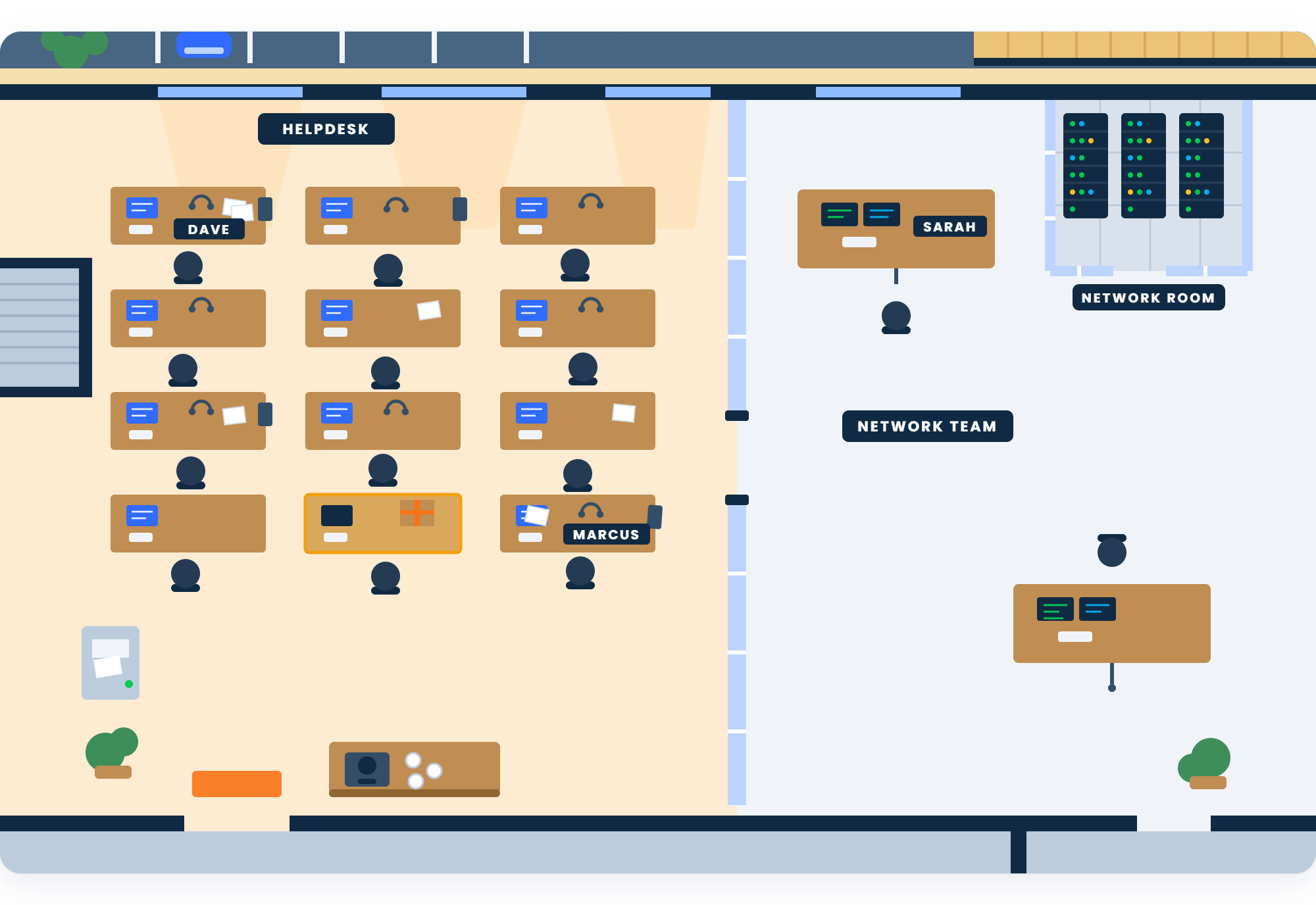
Figure 3 – The glass wall: helpdesk on one side, network team on the other
You look at it a little too long. Marcus smiles: "Yeah. Everyone looks at that wall on day one."
You ask him what they do all day in there.
"No idea. I have been in helpdesk for two years."Your first ticket arrives at 9:07 AM.
Answer the question below
Ready for your first ticket? Click "Complete"
A user in Sales needs an app installed on her laptop, and the installer asks for an administrator password she does not have.
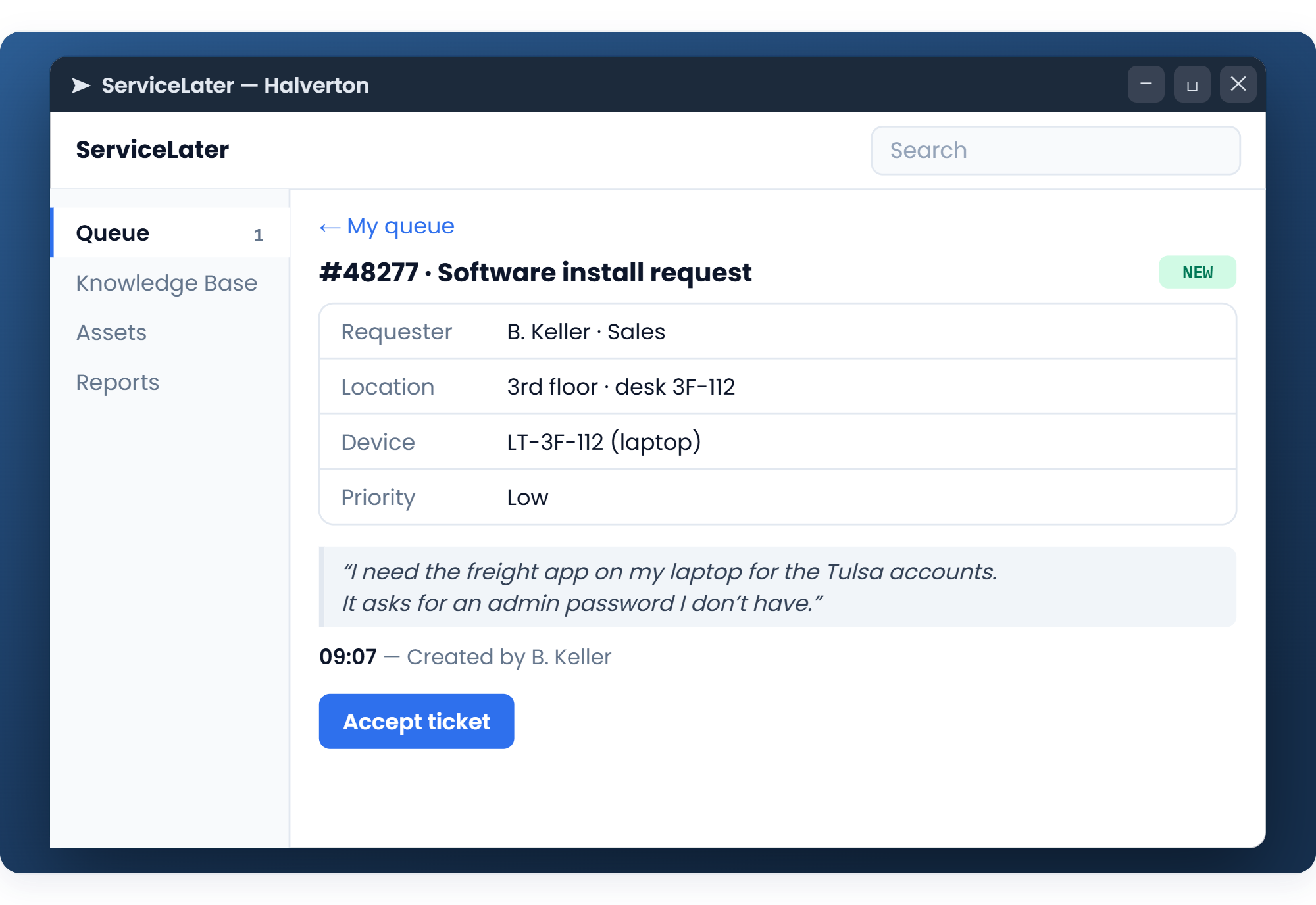
Figure 4 – Ticket #48277
You open a remote session on her laptop and type the password yourself.
Dave, before he walks away: "Always write what you did on the ticket. The next person only knows what you wrote, and the next person is usually me at 6 PM."
Finish the scenario, then type the flag below.
Answer the question below
Enter the Flag
Dave looks over your shoulder: "See? You are good at tickets."
At 2:40 PM, a red ticket appears. A truck is waiting at Dock 4, and it cannot leave without its labels. The PC that prints them has lost the network.
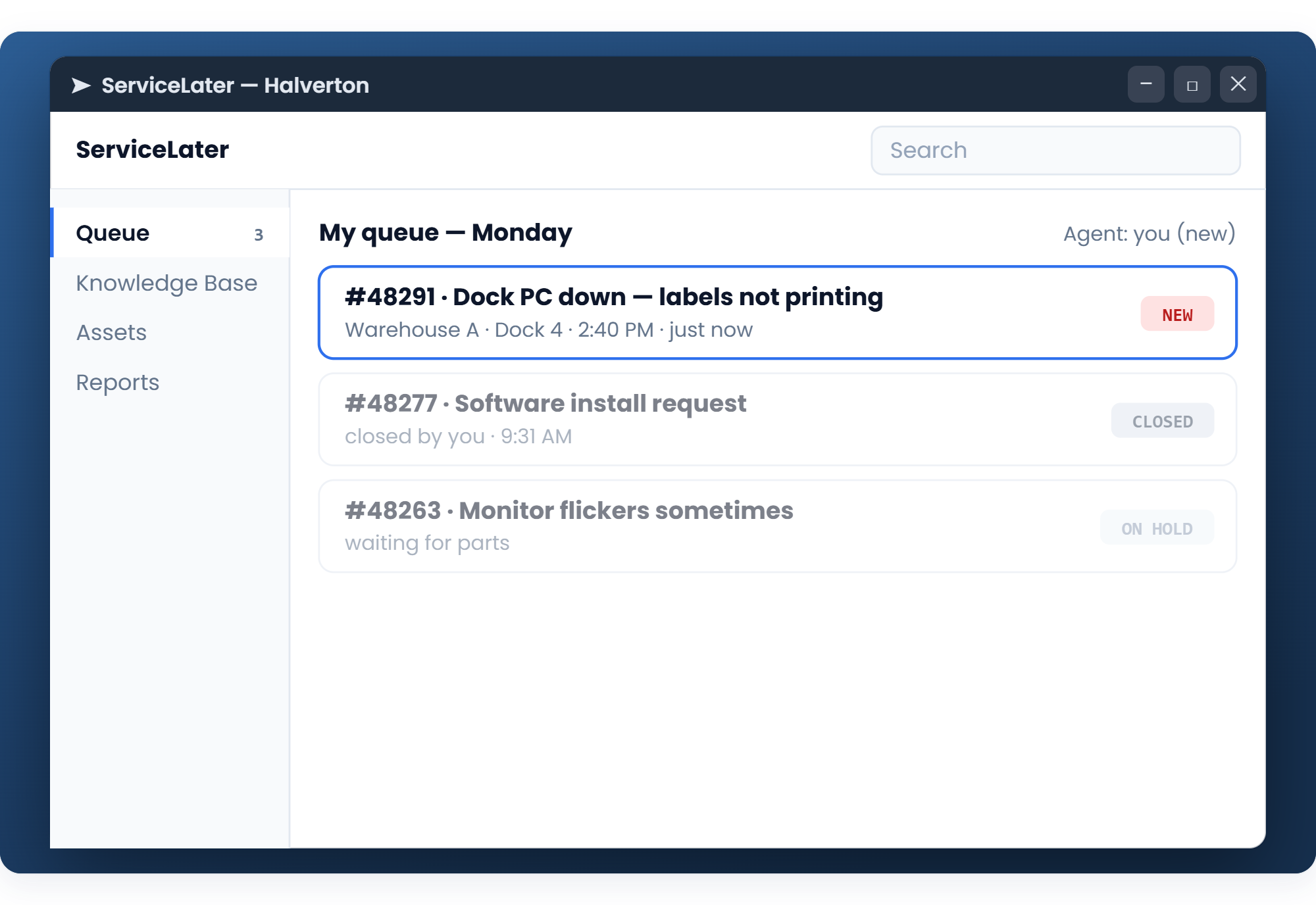
Figure 5 – Ticket #48291: Dock 4 is down
You try to open a remote session on that PC. Nothing answers.
You call the dock and ask the worker for some information.
The worker, on the phone: "The cable is plugged in, the small light next to it is dark, and a new cable changes nothing.
So? My driver has been waiting for twenty minutes."Everything he can reach works, so the problem is somewhere behind the wall.
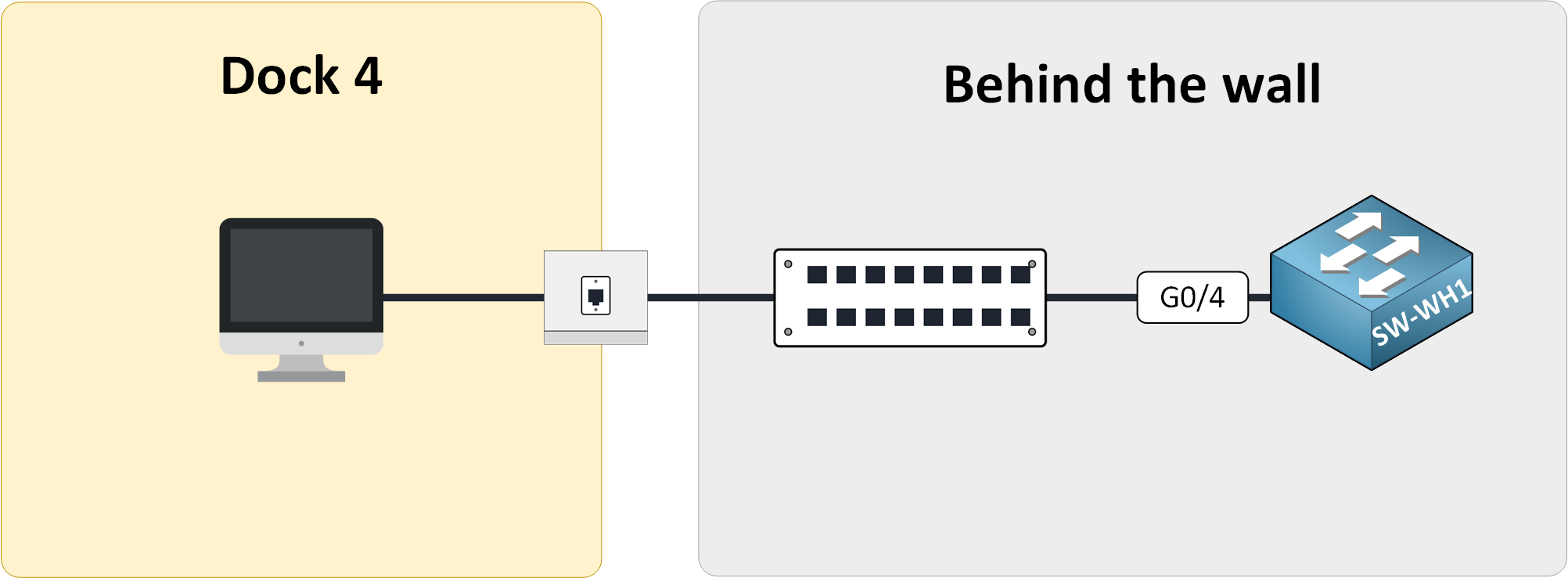
Figure 6 – Behind the jack: hidden cable, patch panel, switch
You write down every test the worker did, and you escalate the ticket to the network team.
Sarah answers two minutes later, from her phone: "Good notes. I am stuck in a meeting across town, so you are doing this one."
She opens you a session on the warehouse switch.
"Find the port that is down, bring it back up, check the PC answers. I am on the phone if you need me."
A black window opens on your screen, with a blinking cursor.
Six ports have a name on them, and two of them are down. Only one serves Dock 4.
From SW-WH1, ping the PC at Dock 4.
Bring the port that serves Dock 4 back up.
From SW-WH1, ping the PC at Dock 4 again (ipconfig).
Finish the lab, then type the flag below.
Answer the question below
Enter the Flag
3:14 PM: you escalated.
3:18 PM: you press Enter, and the switch answers:%LINK-3-UPDOWN: Interface GigabitEthernet0/4, changed state to upThe printer starts again, and the truck leaves.
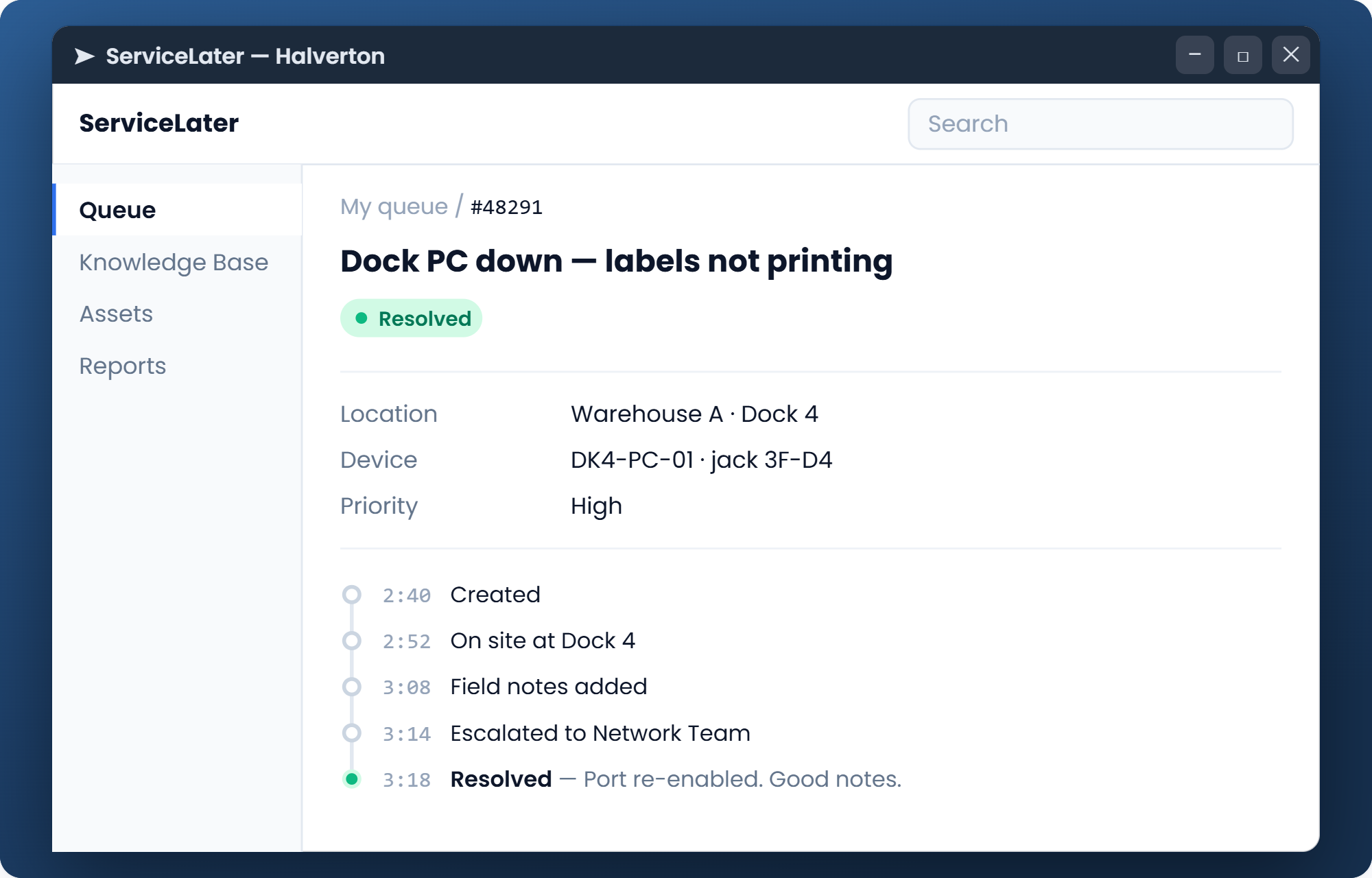
Figure 7 – #48291: Resolved by the Network Team
Sarah closes the ticket from her phone: "Port re-enabled by the new guy on the helpdesk. Day one."
Today you fixed something on the network, and you want to do it again.
Maybe tomorrow.
Answer the question below
End of day one. Click "Complete"