The previous lesson showed you how a hypervisor creates virtual machines on top of physical hardware.
Now let's look at what a VM really is, and what makes it fundamentally different from a physical server.The short answer: a physical server is a box you can touch, while a VM is a set of files on a disk.
This single difference unlocks everything that makes virtualization so powerful.A VM Is Just Files
A VM lives on disk as a folder containing a few files. Nothing more.
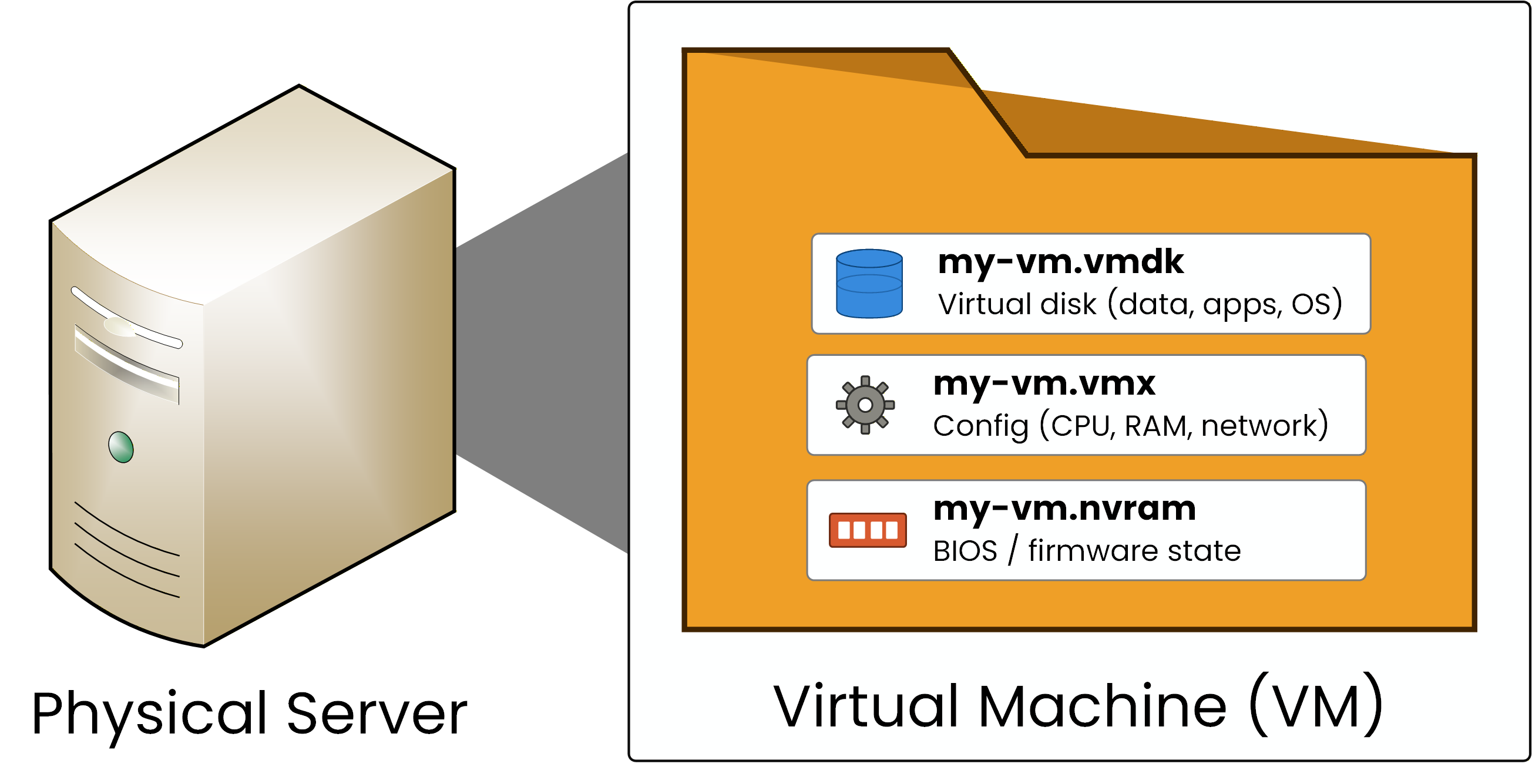
Figure 1 – A VM is just files
The VM folder contains three core files:
.vmdk holds the virtual disk: the operating system, applications, and data
.vmx holds the configuration: how many vCPUs, how much vRAM, which virtual network
.nvram holds the BIOS and firmware state
These are the VMware extensions. KVM/QEMU uses QCOW2, Hyper-V uses VHDX, but the principle is identical: a VM is a set of files on disk.
Answer the question below
What type of object is a VM stored as on disk?
When your hypervisor starts a VM, it reads these files, loads them into memory, and runs the guest OS against virtual hardware.
When you stop the VM, the hypervisor writes the current state back to disk and stops the process.The Guest OS Thinks It Is Real Hardware
Inside the VM, the operating system does not know it is virtual.
Your guest OS sees a CPU, RAM, a disk, and a network interface, and it boots and runs exactly like a physical machine.The hypervisor handles every hardware request from the guest OS and passes it to the real hardware underneath.
This illusion is what makes VMs useful: any OS runs inside a VM as if it owned a physical server.Answer the question below
What do we call the operating system that runs inside a VM and thinks it is on real hardware?
Now that you know a VM is just files, let's look at what that unlocks.
A physical server cannot be copied, frozen in time, or moved between servers without downtime.A VM can do all three.
These three capabilities are the reason virtualization dominates modern data centers.
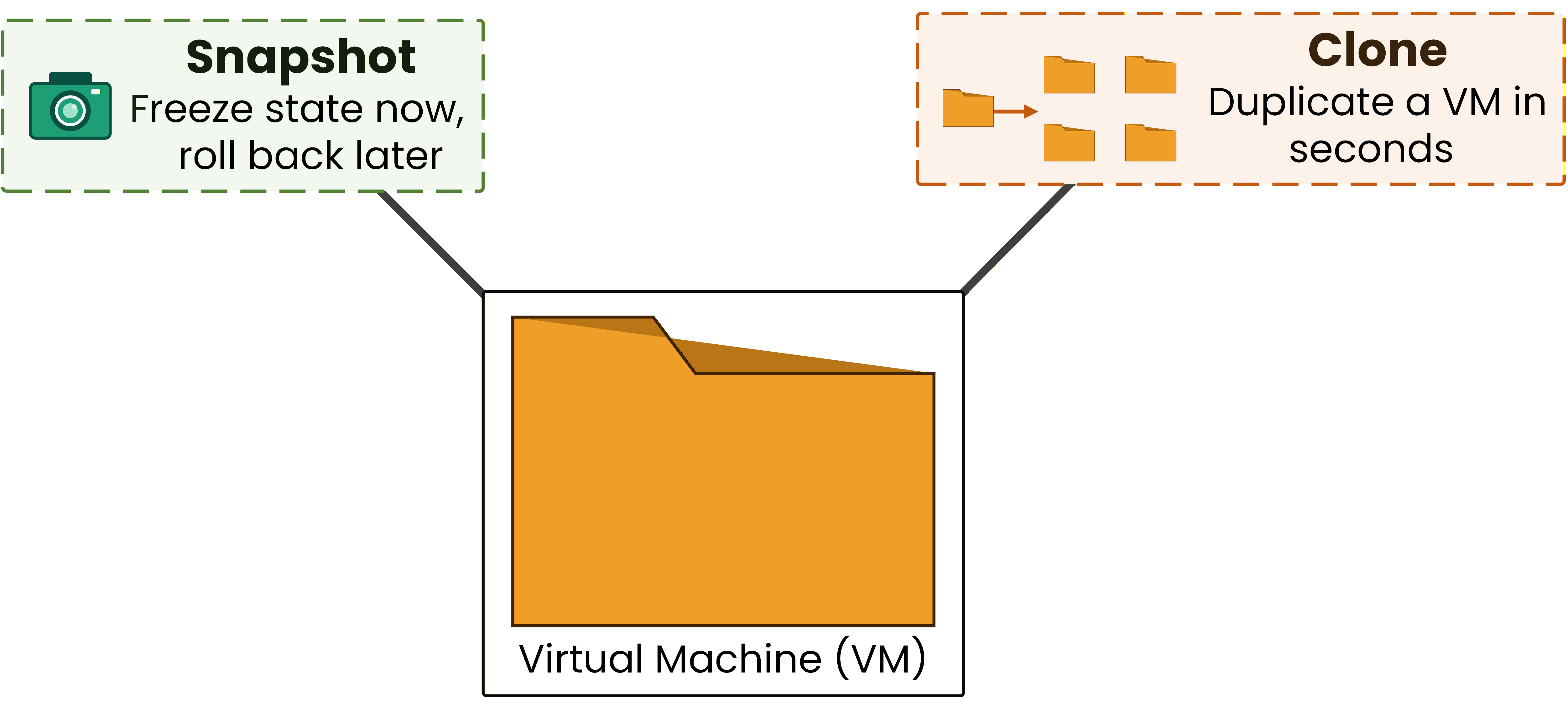
Figure 2 – Snapshot and clone, two of the three superpowers
Snapshots and Rollback
A snapshot freezes the exact state of a VM at a point in time.
Before you install a risky patch or test a new configuration, you take a snapshot.40 % Complete: you’re making great progress
Ready to pass your CCNP exam?