You are the network administrator, and three switches sit in a triangle with redundant links between them.
Without Spanning Tree, that redundancy turns into a Layer 2 loop that floods every port and slows the network to a crawl.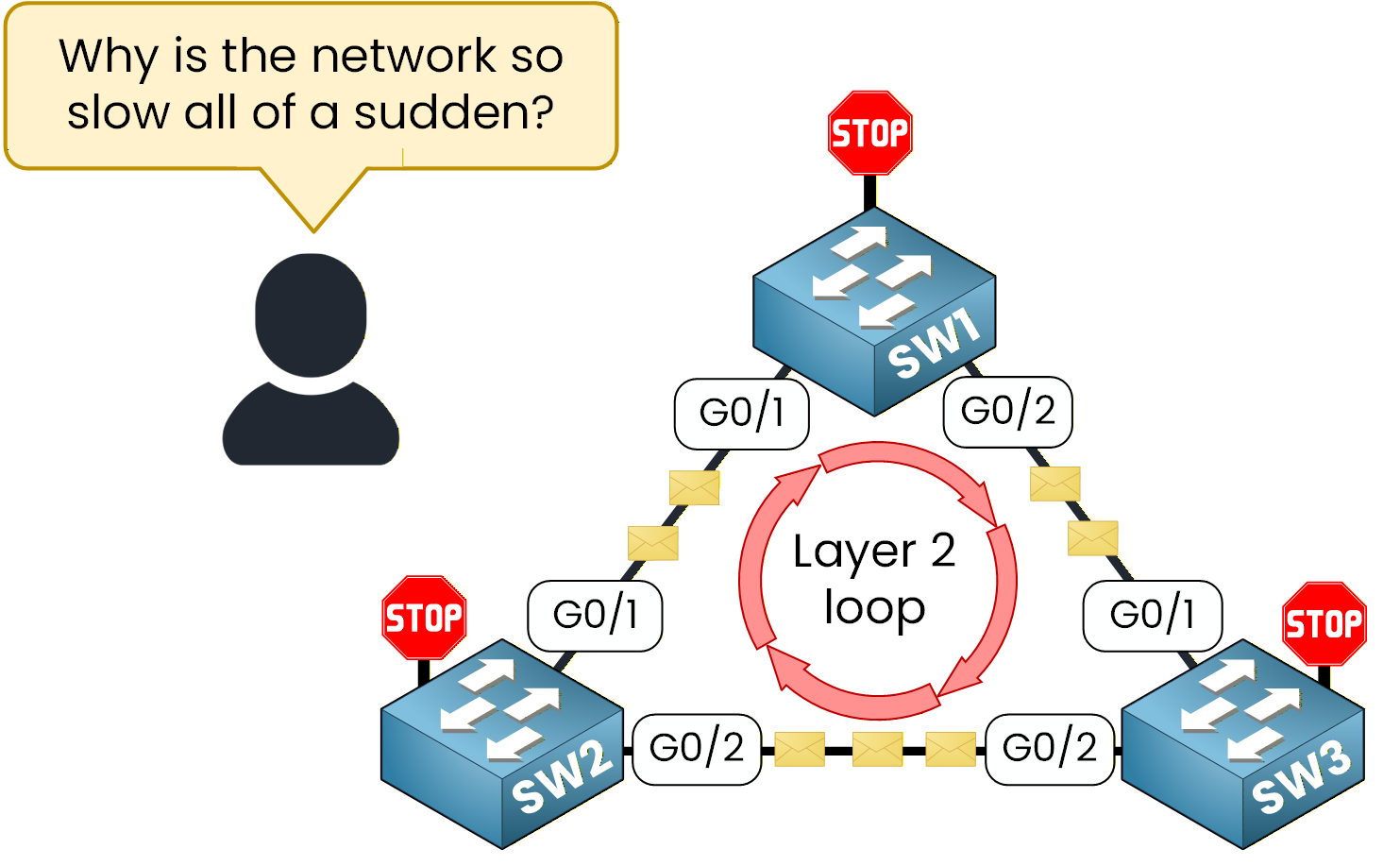
Figure 1 – A Layer 2 loop before anyone controls the election
STP already runs by default, but it elected the Root Bridge on its own, with no plan behind it.
In this lab, you take control of that election and decide which switch is Root, which is the backup, and which stays non-root.The Target Design
Here is the target design for this lab: SW1 Root Bridge, SW2 Backup Root Bridge, SW3 non-root.
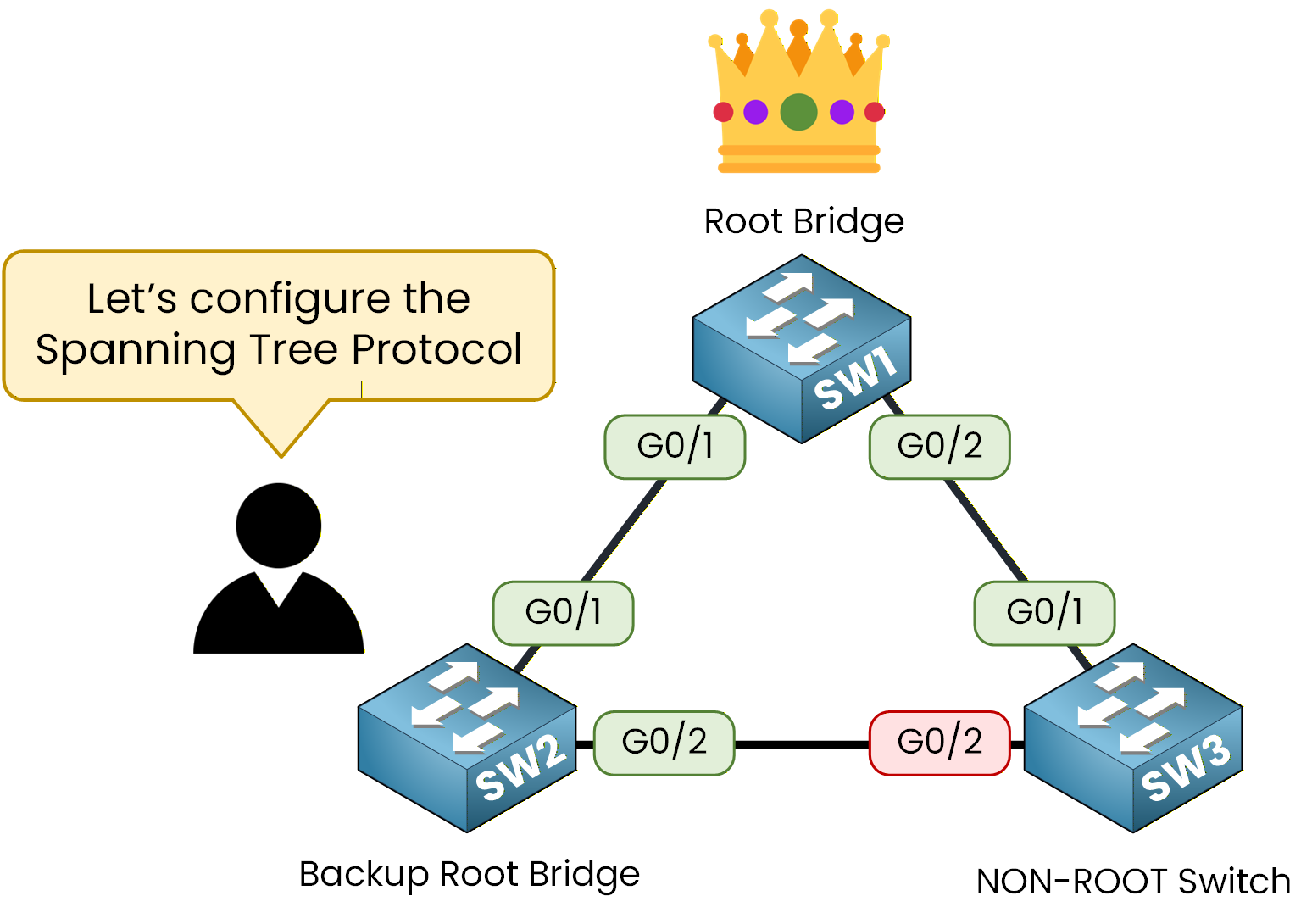
Figure 2 – Target design: Root, Backup, and non-root switches
Answer the question below
What role will SW1 have in this lab's target design?
With nothing configured, PVST+ is already running on every switch and the election already happened by default, purely on MAC address.
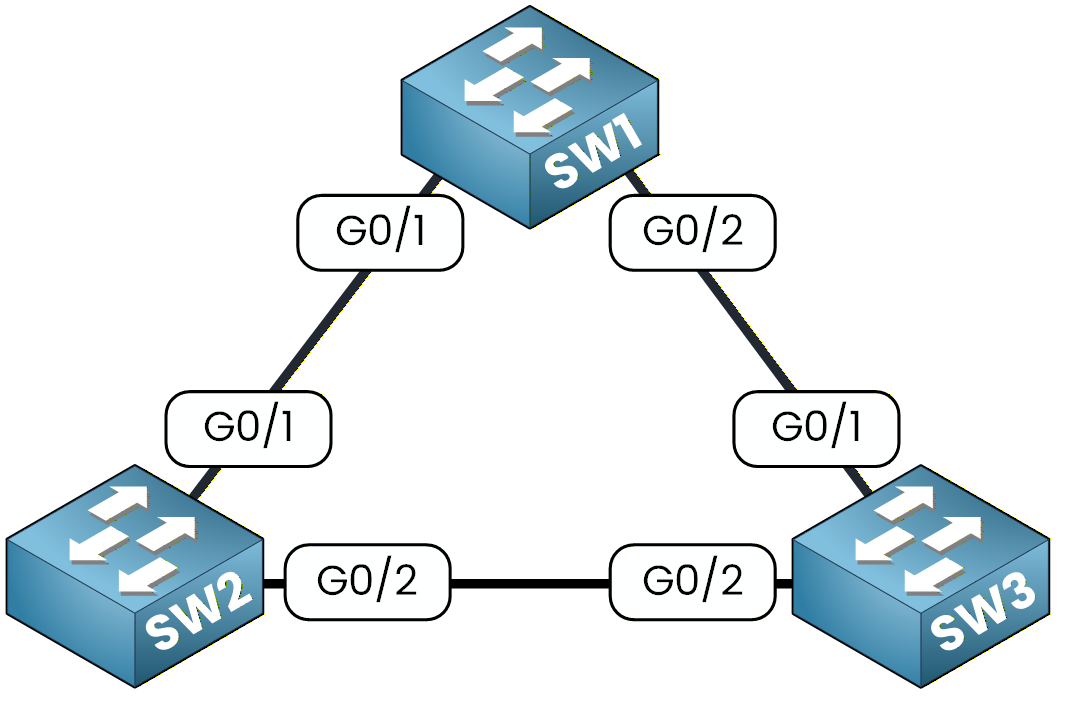
Figure 3 – The three-switch lab before any configuration
Confirming the Default Root
You did not choose a Root, yet one already exists.
Check SW2 first to see who holds the role right now:SW2# show spanning-tree vlan 1 VLAN0001 Spanning tree enabled protocol ieee Root ID Priority 32769 Address 0001.63A6.E107 This bridge is the root Hello Time 2 sec Max Age 20 sec Forward Delay 15 sec Bridge ID Priority 32769 (priority 32768 sys-id-ext 1) Address 0001.63A6.E107 Hello Time 2 sec Max Age 20 sec Forward Delay 15 sec Aging Time 20 Interface Role Sts Cost Prio.Nbr Type ---------------- ---- --- --------- -------- -------------------------------- Gi0/1 Desg FWD 4 128.25 P2p Gi0/2 Desg FWD 4 128.26 P2pSW2 ended up Root purely by chance in your lab, because its MAC address happened to be the lowest.
That is exactly the problem: nothing here was engineered.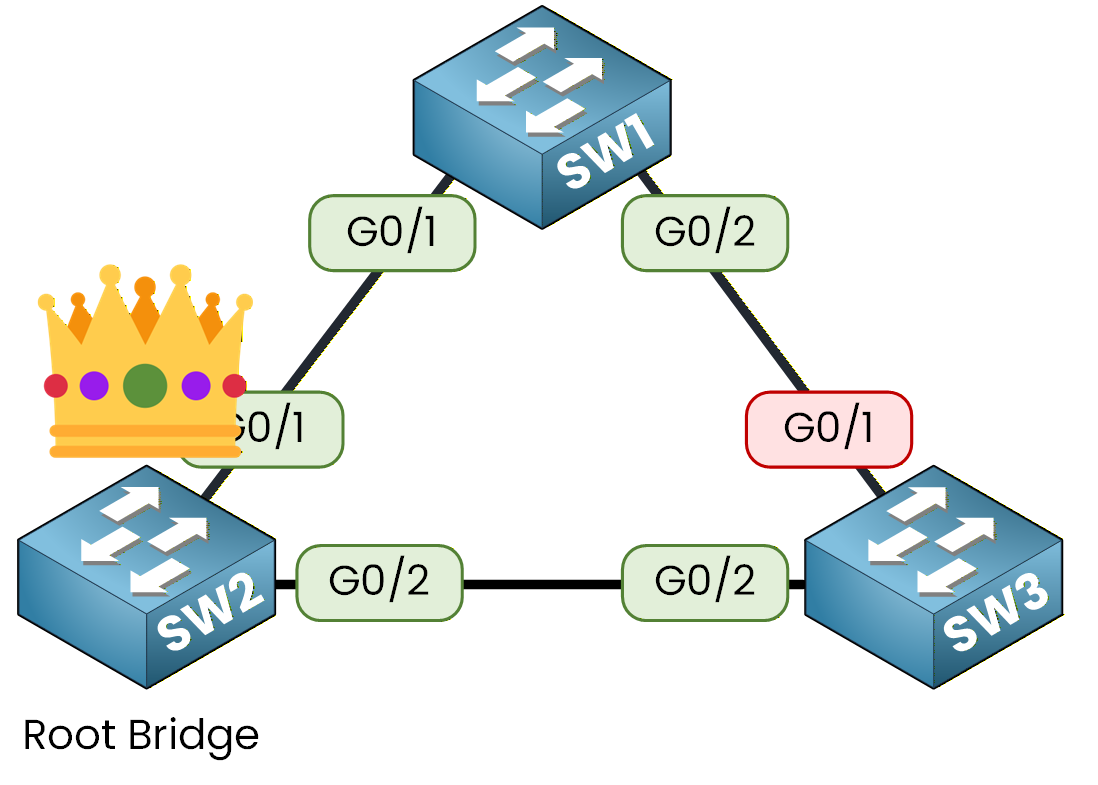
Figure 4 – Initial topology with SW2 as the unplanned Root
Where SW3 Blocks by Default
SW3 lost the election, so it had to block one port on its own to keep the topology loop-free.
Check which one:SW3# show spanning-tree vlan 1 VLAN0001 Spanning tree enabled protocol ieee Root ID Priority 32769 Address 0001.63A6.E107 Cost 4 Port 26(GigabitEthernet0/2) Hello Time 2 sec Max Age 20 sec Forward Delay 15 sec Bridge ID Priority 32769 (priority 32768 sys-id-ext 1) Address 0090.2BE2.8EE9 Hello Time 2 sec Max Age 20 sec Forward Delay 15 sec Aging Time 20 Interface Role Sts Cost Prio.Nbr Type ---------------- ---- --- --------- -------- -------------------------------- Gi0/1 Altn BLK 4 128.25 P2p Gi0/2 Root FWD 4 128.26 P2pSW3 sees SW2 as Root and blocked Gi0/1, its link toward SW1.
Nothing planned that: the blocked port landed wherever the default election left it.
Keep that port in mind: it will move once you make SW1 the Root.Answer the question below
Which switch is Root by default, before any configuration?
Here is how to take control of the election.
Priority Values
Cisco lets you set the priority manually, from 0 to 61440 in increments of 4096.
The lower the value, the more likely the switch becomes Root..png)
Figure 5 – Bridge ID recap: priority and MAC decide the winner
40 % Complete: you’re making great progress
Ready to pass your CCNP exam?