Your network uses ACLs, firewalls, and segmentation policies to control who can access what.
But none of these features protect the data itself while it travels on the physical cable between two switches.That is the problem MACsec solves.
The Layer 2 Encryption Gap
Your Ethernet links carry traffic in cleartext by default.
Any device with physical access to the cable can capture and read every frame that crosses the wire.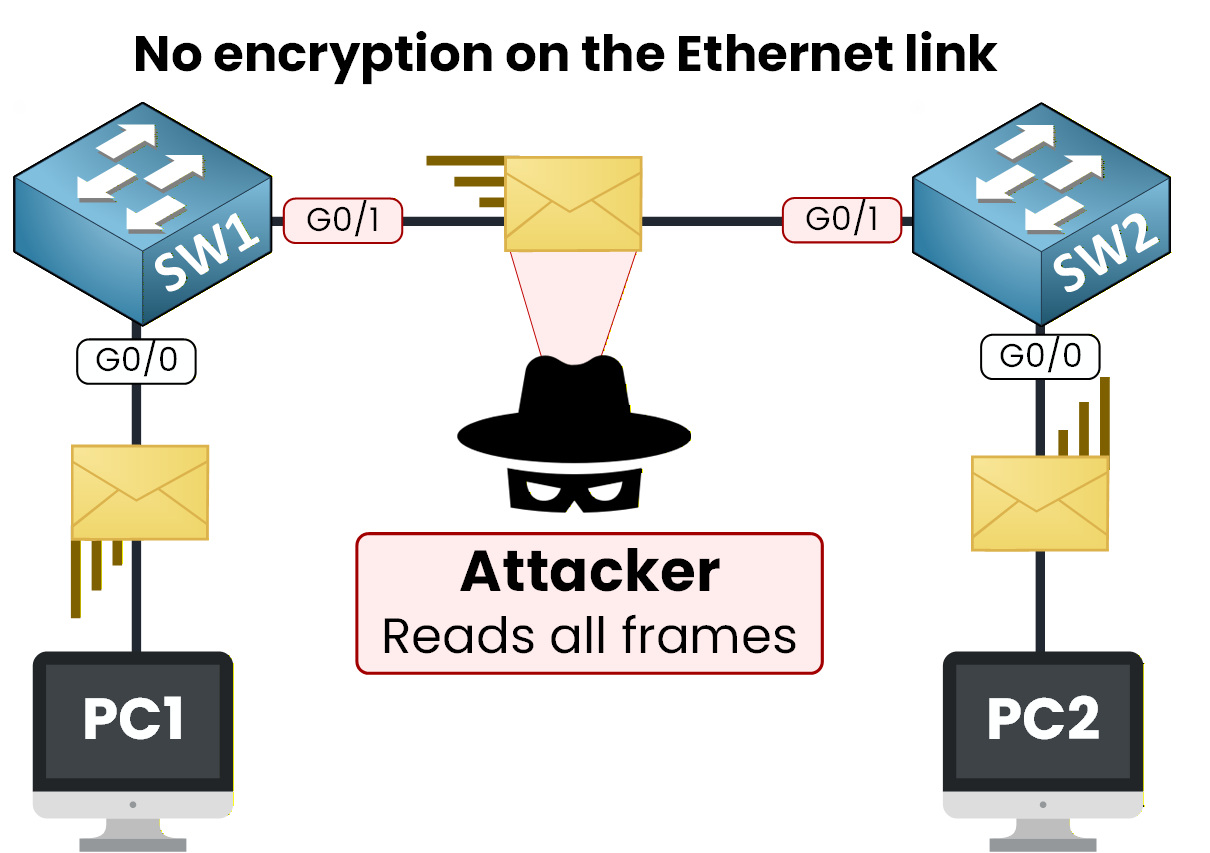
Figure 1 – Without MACsec, frames travel in cleartext on the Ethernet link
An attacker who taps the link can passively intercept all traffic.
This includes VLAN-tagged frames, management traffic, routing protocol updates, and user data.You might think that higher-layer encryption like TLS or IPsec solves this. But not all traffic is encrypted at those layers.
Routing protocols (OSPF, EIGRP, BGP), management protocols (SNMP, syslog), and legacy applications often send data without any encryption.Answer the question below
By default, are Ethernet links encrypted or in cleartext?
MACsec at a Glance
MACsec (Media Access Control Security) is the IEEE 802.1AE standard.
It provides Layer 2 point-to-point encryption, data integrity, and origin authentication on Ethernet links.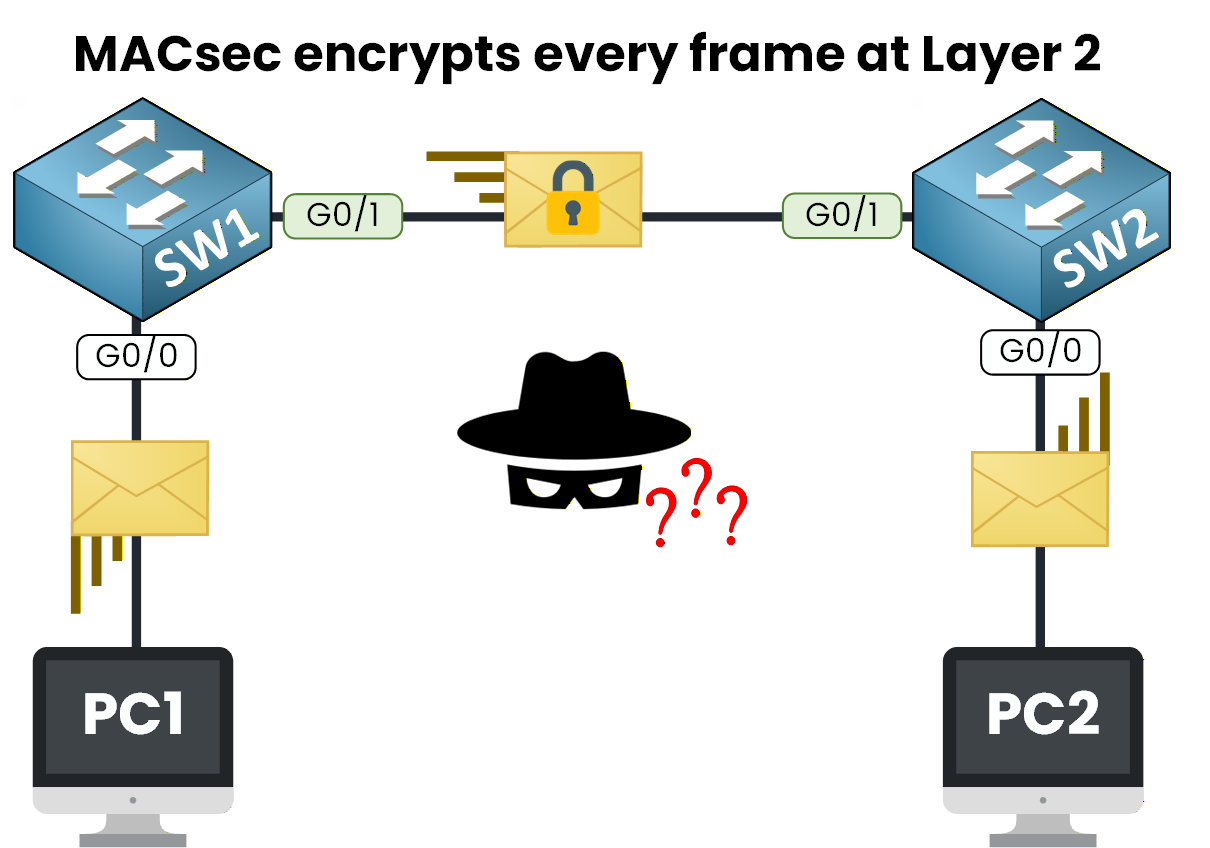
Figure 2 – With MACsec, every frame is encrypted on the wire
MACsec encrypts every frame at Layer 2 before it leaves your switch port.
The peer switch decrypts it on the other end. If an attacker taps the cable, all they see is encrypted data.MACsec provides three security services:
Confidentiality – the payload is encrypted using AES-GCM
Integrity – an Integrity Check Value (ICV) detects any tampering
Origin authentication – only peers with the correct keys can participate
Unlike IPsec, which operates at Layer 3, MACsec works directly on the Ethernet frame.
This means it protects all traffic on the link, regardless of the upper-layer protocol.Answer the question below
What IEEE standard defines MACsec?
MACsec modifies the standard Ethernet frame and encrypts traffic hop by hop.
Let's look at the frame format, the encryption model, and what it looks like on a real switch.40 % Complete: you’re making great progress
Ready to pass your CCNP exam?