In a switched network, traffic is sent only to the port where the destination device is connected.
This means that other ports do not see that traffic. As a result, you cannot simply plug in a laptop and expect to see what is happening on another interface.This is where SPAN becomes useful.
Why Local SPAN Is Needed
Local SPAN allows you to copy traffic from one interface to another so it can be analyzed by a traffic collector.
Imagine this scenario:
PC1 is communicating with another device in the network. When its packet arrives on interface G0/0 of SW1, the switch forwards it normally to its destination.
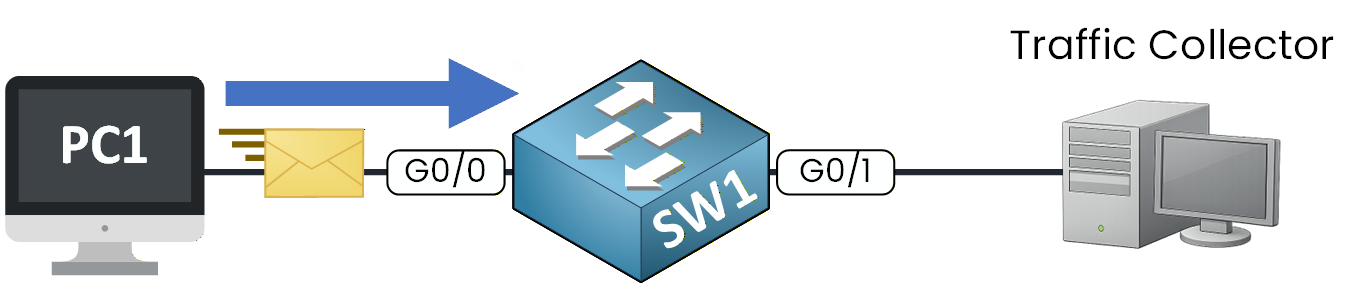
Figure 1 – Local SPAN mirroring
If SPAN is configured, the switch creates a copy of that traffic and sends it to the configured SPAN destination interface.
The original traffic continues to its intended destination without interruption.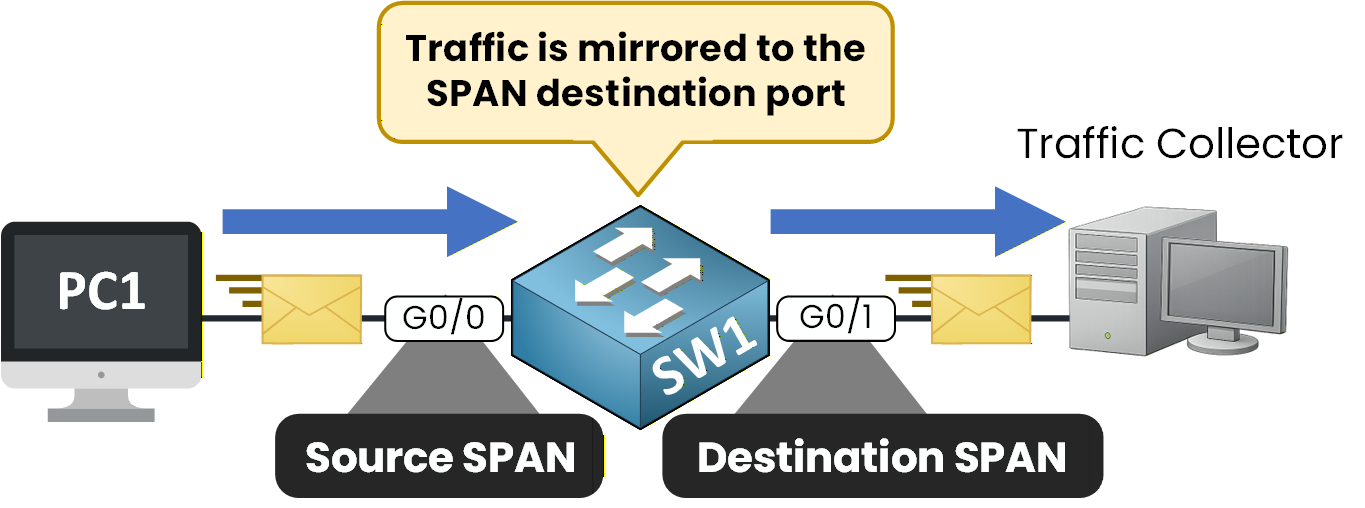
Figure 2 – SPAN source and destination
This allows you to see exactly what is being transmitted and analyze the traffic using a traffic collector.
As its name indicates, Local SPAN operates on a single switch.
When you configure Local SPAN, you must define two elements:SPAN source interface – the traffic you want to monitor
SPAN destination interface – where the mirrored traffic is sent
By default, both incoming (RX) and outgoing (TX) traffic are mirrored.
Answer the question below
Local SPAN operates on how many switches?
Now that you understand why Local SPAN is needed, let’s configure it step by step.
Local SPAN configuration is simple.
You need to define:The SPAN source
The SPAN destination
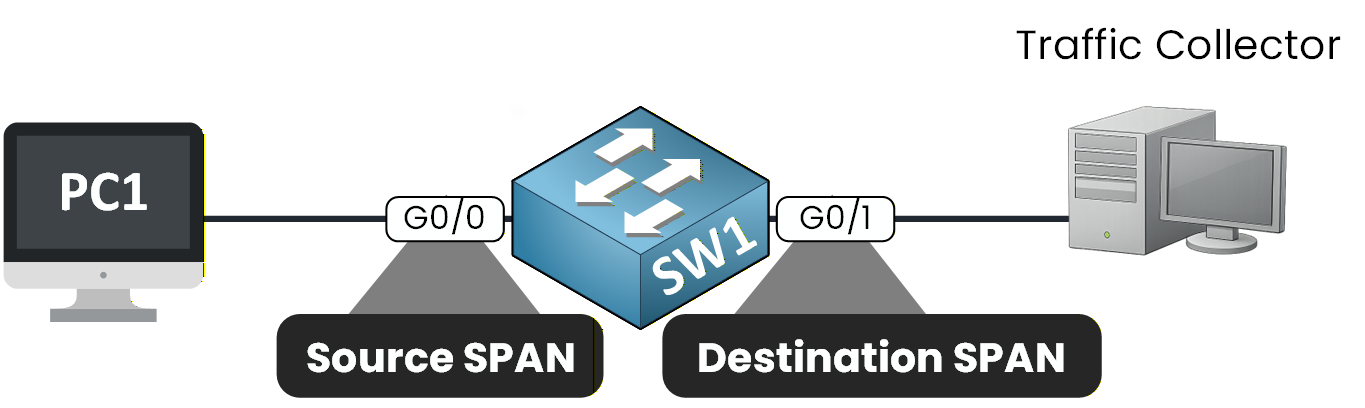
Figure 3 - Local SPAN Configuration
40 % Complete: you’re making great progress
Ready to pass your CCNP exam?