You already know how to filter IPv4 traffic with Standard and Extended ACLs.
IPv6 ACLs serve the same purpose, but the syntax and behavior have changed.To understand how IPv6 ACLs work, let's dive into a practical example.
The scenario
You are the network administrator of a company with two departments connected to router R1.
The Engineering department (2001:DB8:1::/64) needs access to the application server (2001:DB8:3::1).
The Marketing department (2001:DB8:2::/64) must be denied access to that same server.
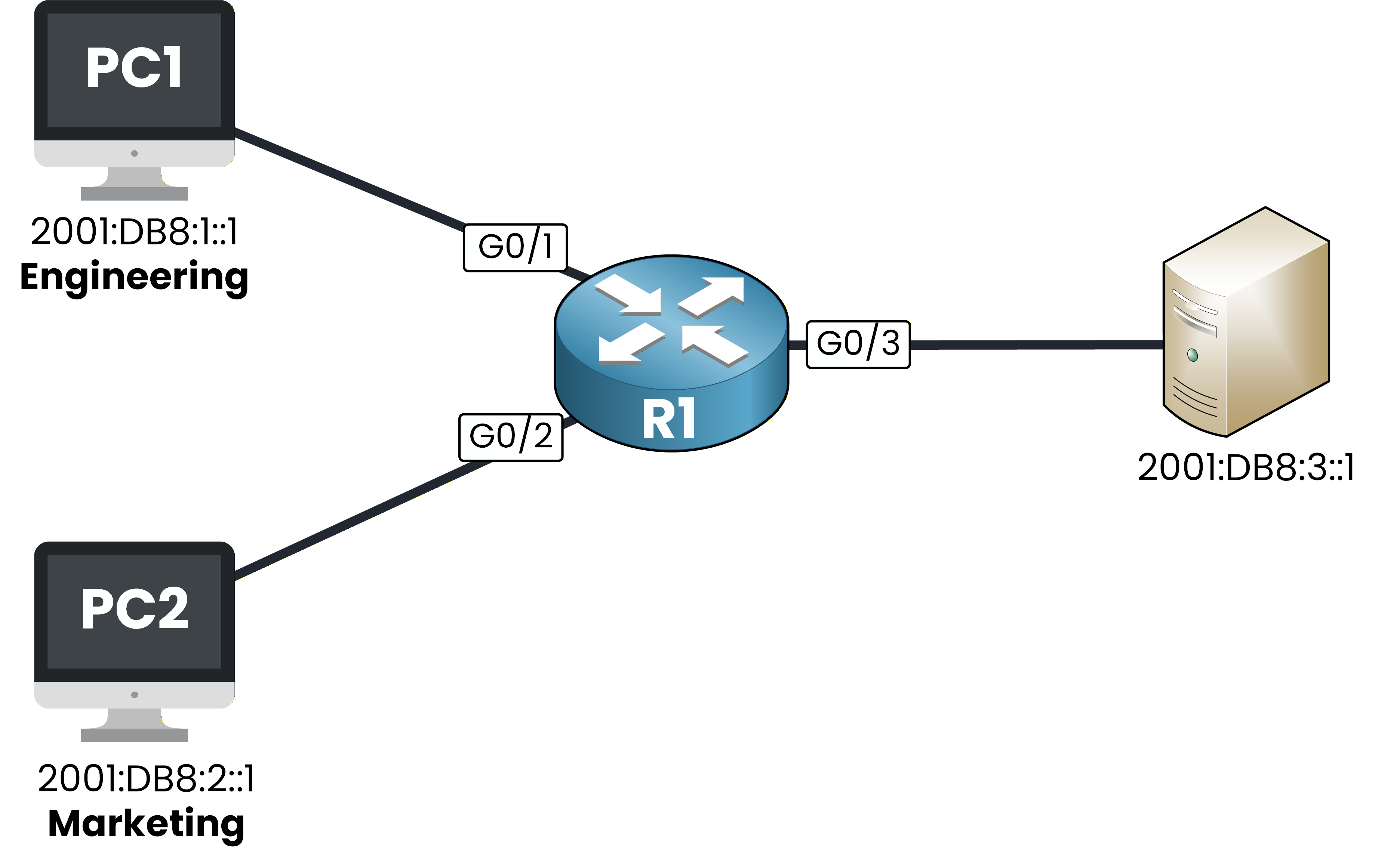
Figure 1 – IPv6 ACL scenario topology
Your goal is to configure an IPv6 ACL that meets these requirements.
Let's look into it together!Answer the question below
In IPv6, what type of ACL can you create?
Before configuring any IPv6 ACL, you need to make sure IPv6 routing is enabled on your router.
Without it, your router will not process IPv6 traffic at all.Enable IPv6 routing
To do this you can use the command
ipv6 unicast-routing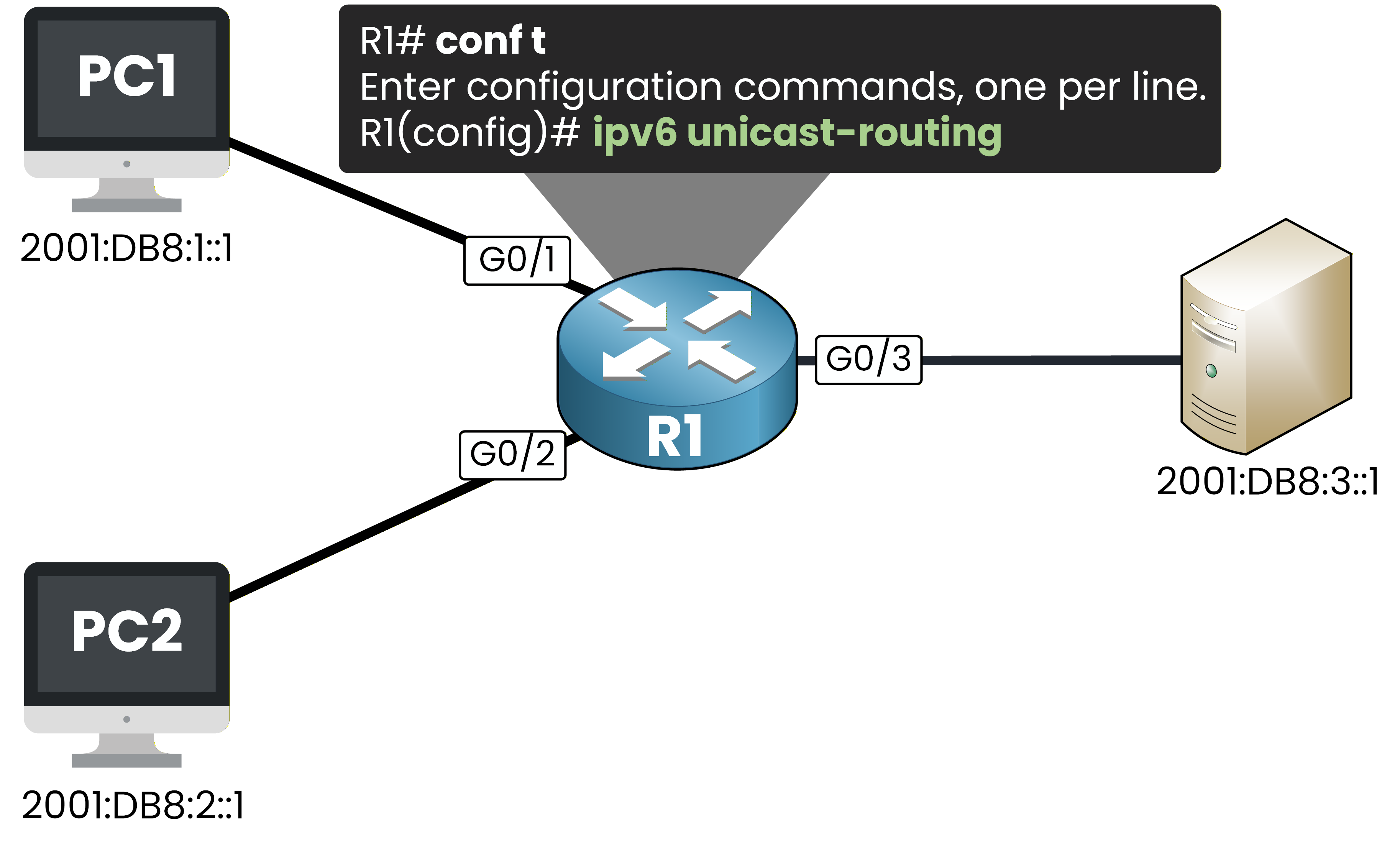
Figure 2 – Enabling IPv6 unicast routing on R1
R1# conf t
Enter configuration commands, one per line.  End with CNTL/Z.
R1(config)# ipv6 unicast-routing
This command enables IPv6 packet forwarding on your router.
It is a prerequisite for any IPv6 feature, including IPv6 ACLs.Create the IPv6 ACL
Now create the ACL called BLOCK-MKTG.
You will permit all IPv6 traffic from Engineering and deny all IPv6 traffic from Marketing.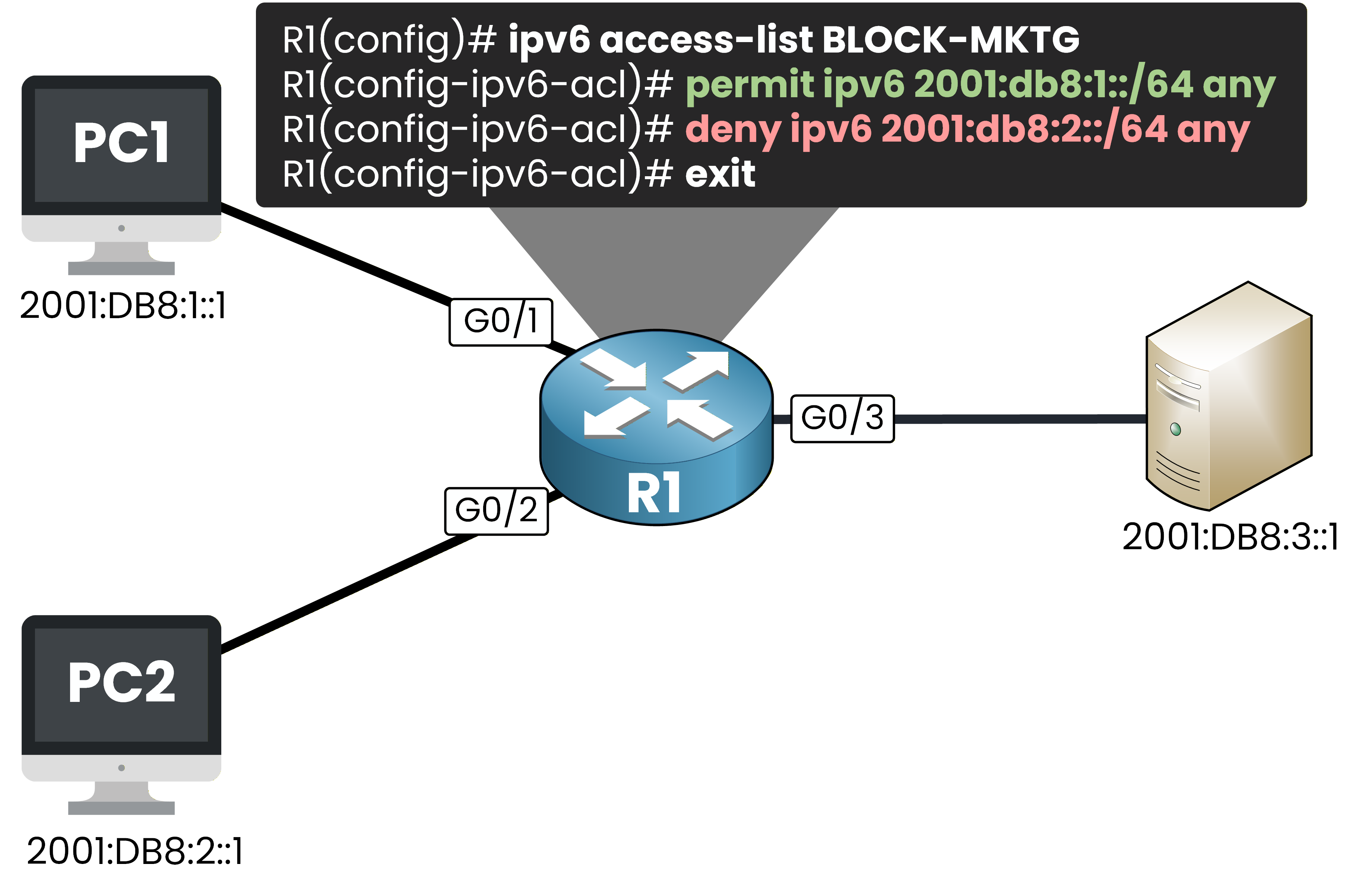
Figure 3 – Creating the BLOCK-MKTG IPv6 ACL on R1
R1(config)# ipv6 access-list BLOCK-MKTG
R1(config-ipv6-acl)# permit ipv6 2001:DB8:1::/64 any
R1(config-ipv6-acl)# deny ipv6 2001:DB8:2::/64 any
R1(config-ipv6-acl)# exit
Notice the syntax differences compared to IPv4:
The command is
ipv6 access-listfollowed by a name. No number, no standard/extended keyword.Source and destination addresses use prefix notation (2001:DB8:1::/64) instead of a wildcard mask.
The prompt changes to
R1(config-ipv6-acl)#instead ofR1(config-ext-nacl)#.
Answer the question below
What notation do IPv6 ACLs use instead of wildcard masks?
Your ACL exists but it is not active yet.
You need to apply it on an interface to start filtering traffic.Apply the ACL on G0/3 outbound
You apply the ACL on G0/3 in the outbound direction.
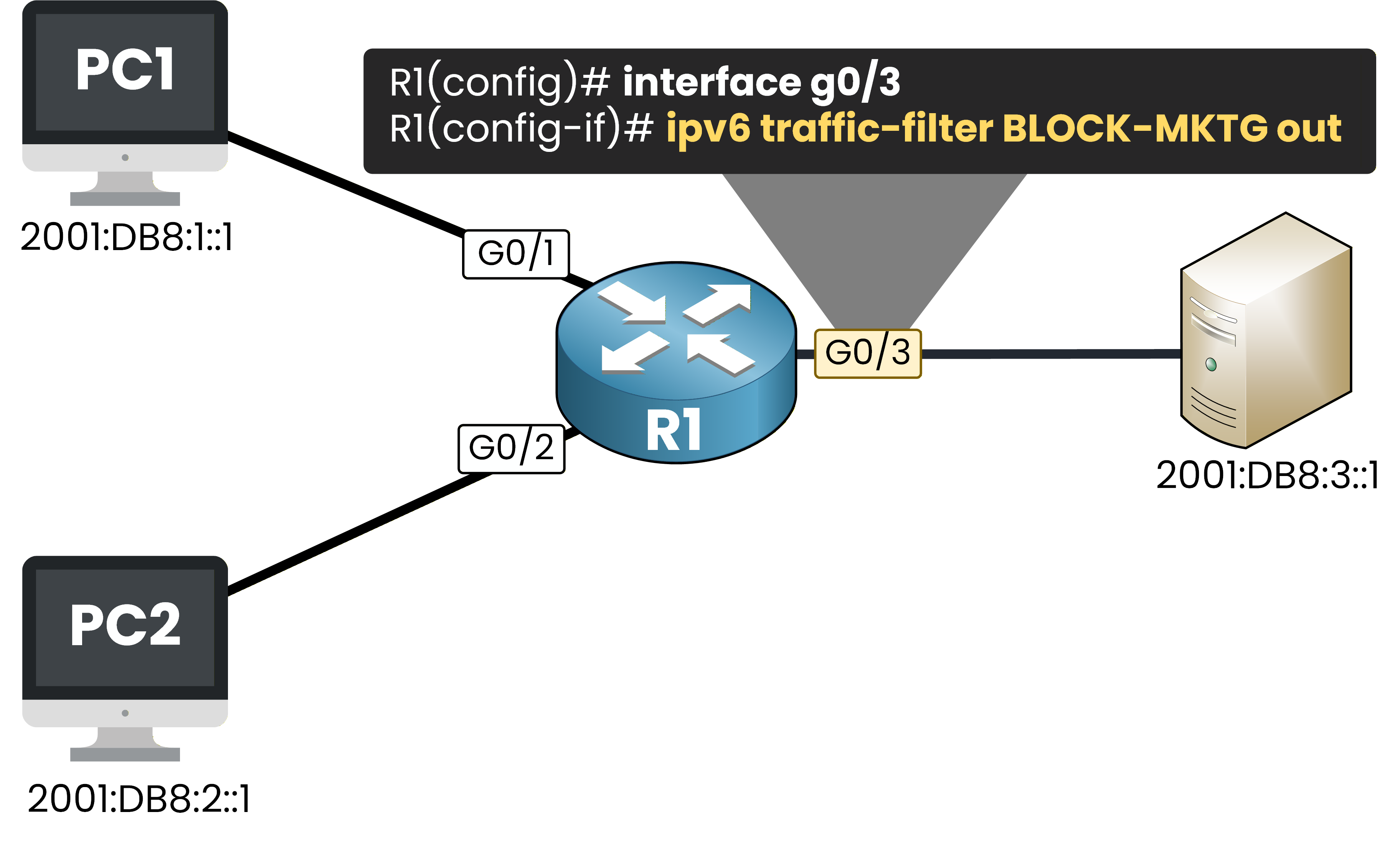
Figure 4 – Applying the IPv6 ACL outbound on G0/3
G0/3 is the exit interface toward the server.
All traffic heading to the server passes through this point, regardless of which department sent it.R1(config)# interface g0/3 R1(config-if)# ipv6 traffic-filter BLOCK-MKTG out R1(config-if)# endThe command is
ipv6 traffic-filter, notip access-group.
This is the IPv6 equivalent.40 % Complete: you’re making great progress
Ready to pass your CCNP exam?