EIGRP selects routes by comparing numerical values called metrics.
The path with the lowest metric is considered the best path and becomes the successor.EIGRP does not rely on a single parameter. It uses a composite metric calculated from a mathematical formula.
You are not expected to memorize the formula for the CCNP exam.
However, you must understand:Which parameters are involved
How they influence the metric
How they behave across the network
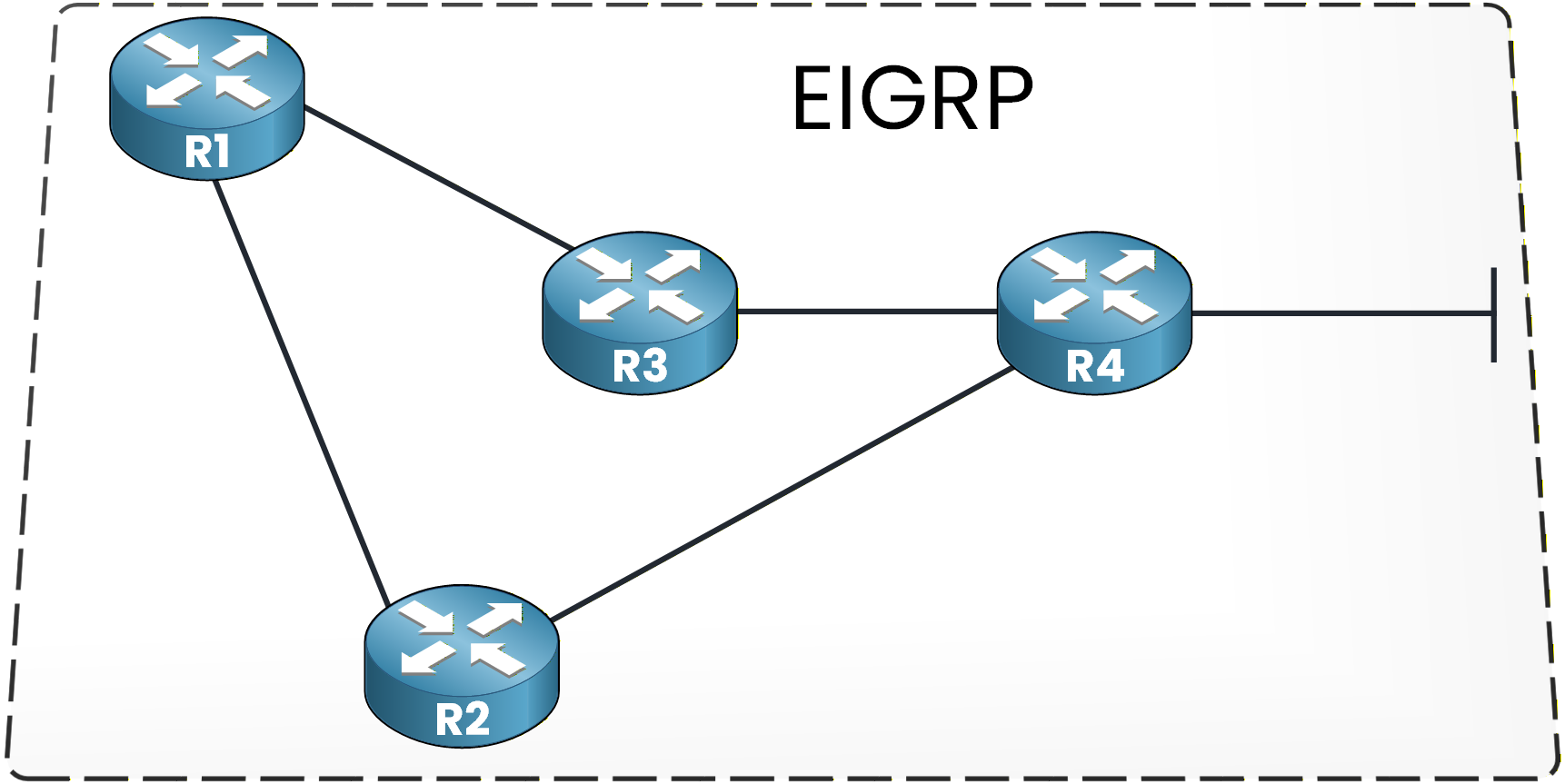
Figure 1 – Basic EIGRP topology
EIGRP Metric Weights (K-Values)
When EIGRP is enabled, you can verify the metric weights:
R1# show ip protocols
Routing Protocol is "eigrp 1"
  Outgoing update filter list for all interfaces is not set
  Incoming update filter list for all interfaces is not set
  Default networks flagged in outgoing updates
  Default networks accepted from incoming updates
  EIGRP metric weight K1=1, K2=0, K3=1, K4=0, K5=0
EIGRP defines five metric weights called K-values:
K1: Bandwidth
K2: Load
K3: Delay
K4: Reliability
K5: Reliability
Each K-value determines whether a specific component is included in the metric calculation and how it influences the final result.
By default:
K1 = 1
K3 = 1
K2, K4, K5 = 0
This means that, in a standard production network, only bandwidth and delay are used to calculate the metric.
Load and reliability exist in the formula but are not considered unless the K-values are manually modified, which must be consistent across all EIGRP routers.Answer the question below
Which K-value represents bandwidth?
EIGRP Formula
EIGRP uses a mathematical formula to calculate the metric of each path.
You do not need to memorize the full formula.
You simply need to understand that multiple interface characteristics can influence the final metric value.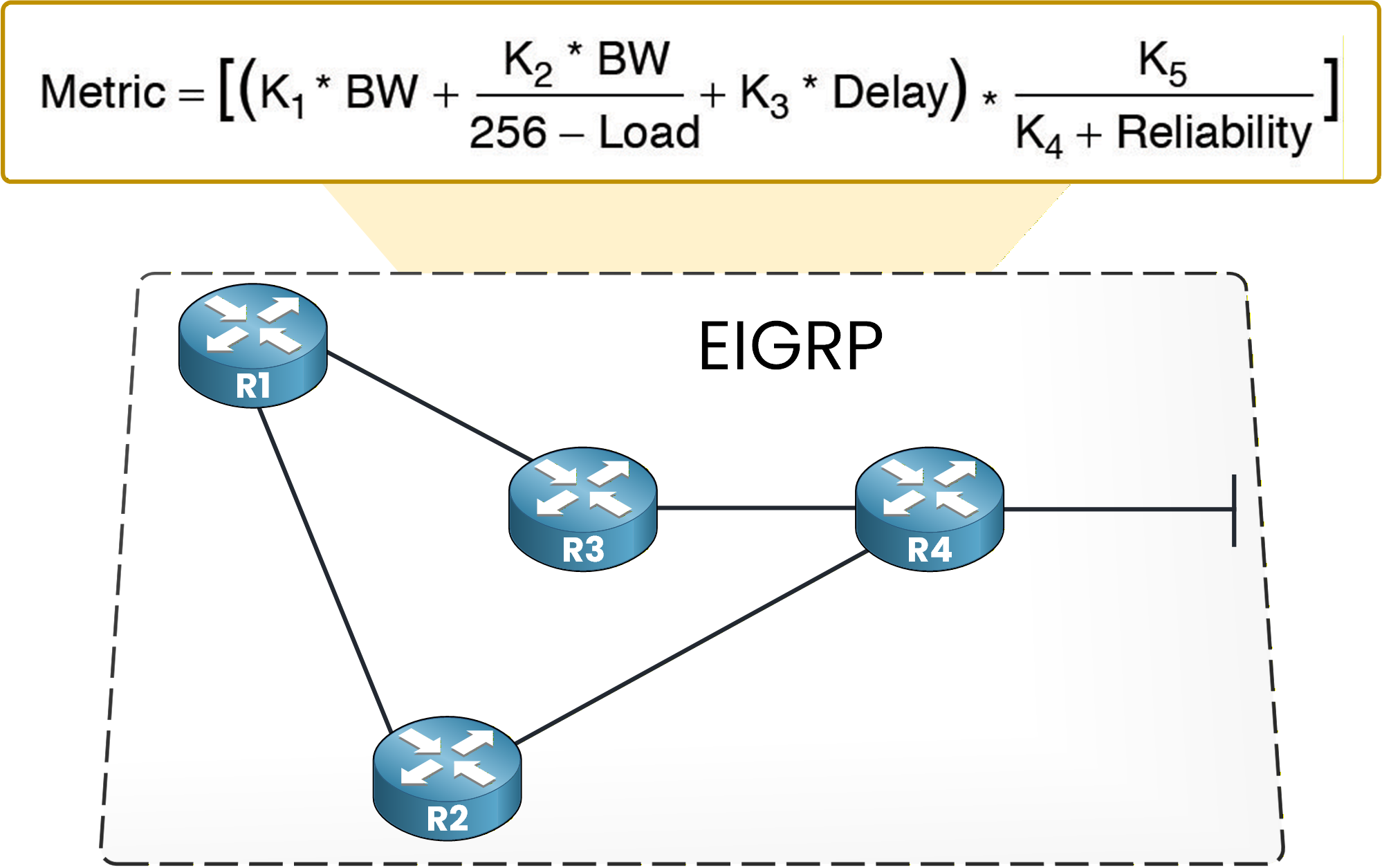
Figure 2 – Full EIGRP metric formula with K-values
This figure shows the complete classic EIGRP formula including all K-values.
It may look complex, but with default settings the formula becomes much simpler.Default EIGRP Metric Formula
When the default K-values are applied (K1 = 1 and K3 = 1), the formula simplifies to:

Figure 3 – Default EIGRP metric formula (bandwidth and delay)
40 % Complete: you’re making great progress
Ready to pass your CCNP exam?