Monday, 9:00 AM. You walk past your colleague's desk: she is playing the dinosaur game in her browser.
The network is down.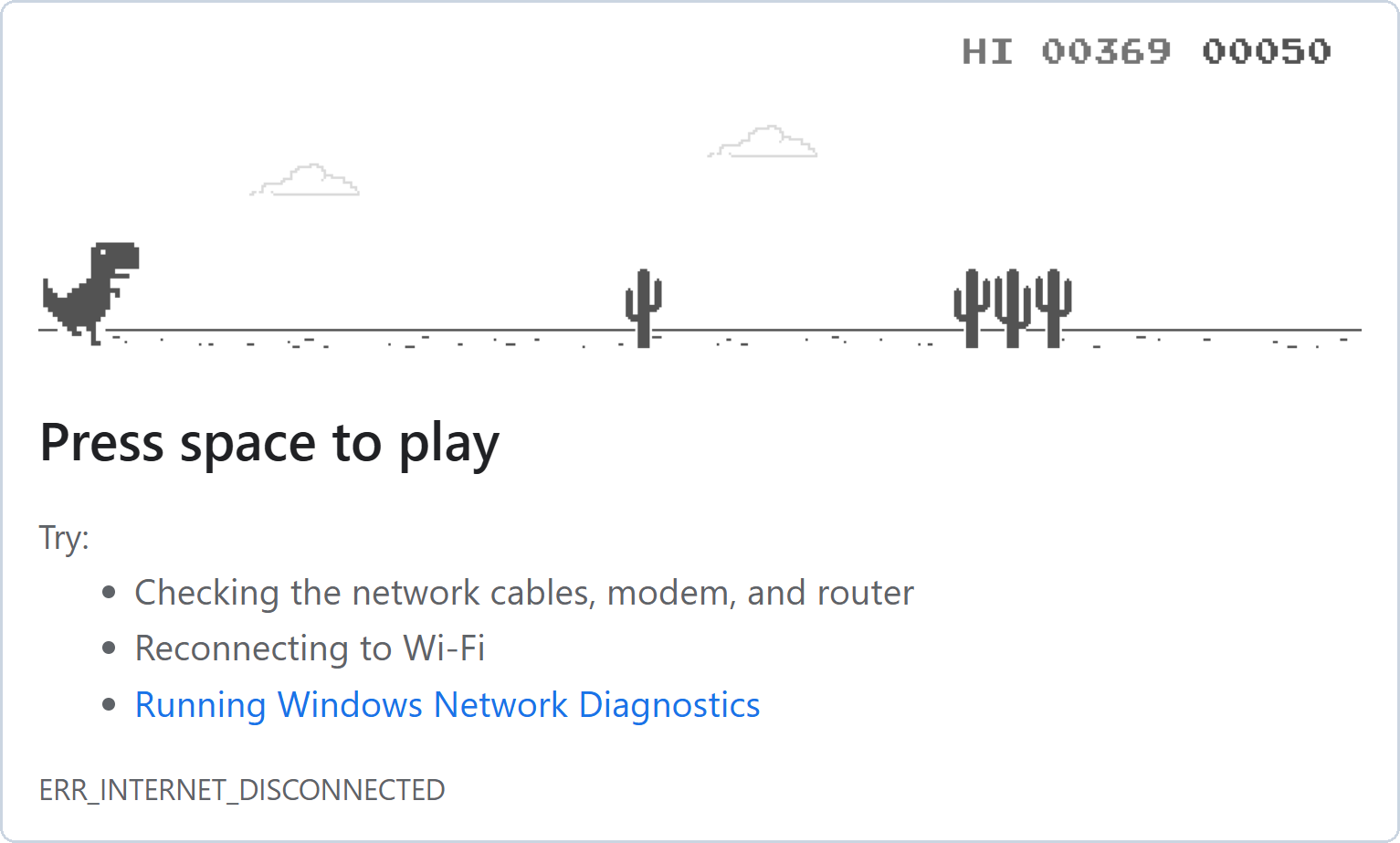
Figure 1 – Your colleague's screen on Monday morning
When the network stops, work stops.
In this lesson, you will find the problem and fix it.Answer the question below
Ready? Click "Complete"
When something doesn't work, the first thing to try is
ping.
It tells you right away if a message can reach the other computer.You are sitting at PC1 again.
PC2's address is192.168.1.2.You'll need to...
Double-click Command Prompt on the desktop.
Type
ping 192.168.1.2and press Enter.
Answer the question below
How many replies did PC1 receive?
PC1 sent its message, but no reply came back.
The message never reached PC2.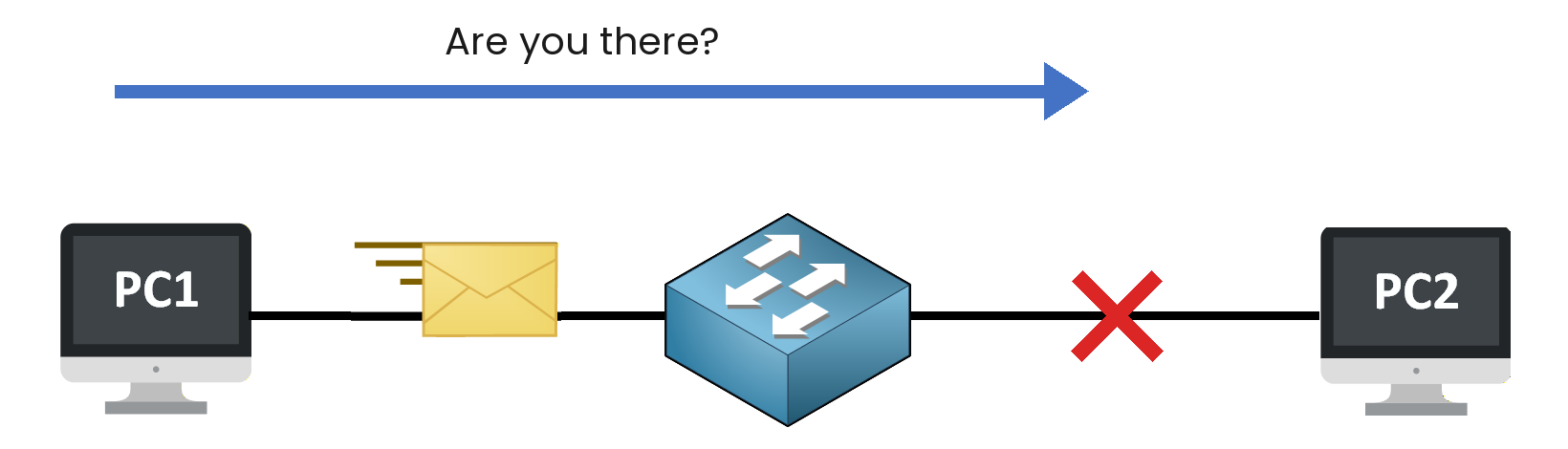
Figure 2 – The message never reaches PC2
The problem is somewhere between the switch and PC2.
You'll need to...
Find what is missing between SW1 and PC2.
Use the cable tool to fix it.
On PC1, ping
192.168.1.2again.
Answer the question below
When PC2 is back on the network, a flag appears. Enter it below.
A missing cable stopped your colleague's whole morning.
That is why companies need people who understand networks.
They find in minutes what blocks everyone for hours.Here is a team watching the network of a factory, day and night.
If the network stops, the production line stops too.
This room is called a NOC, a Network Operations Center.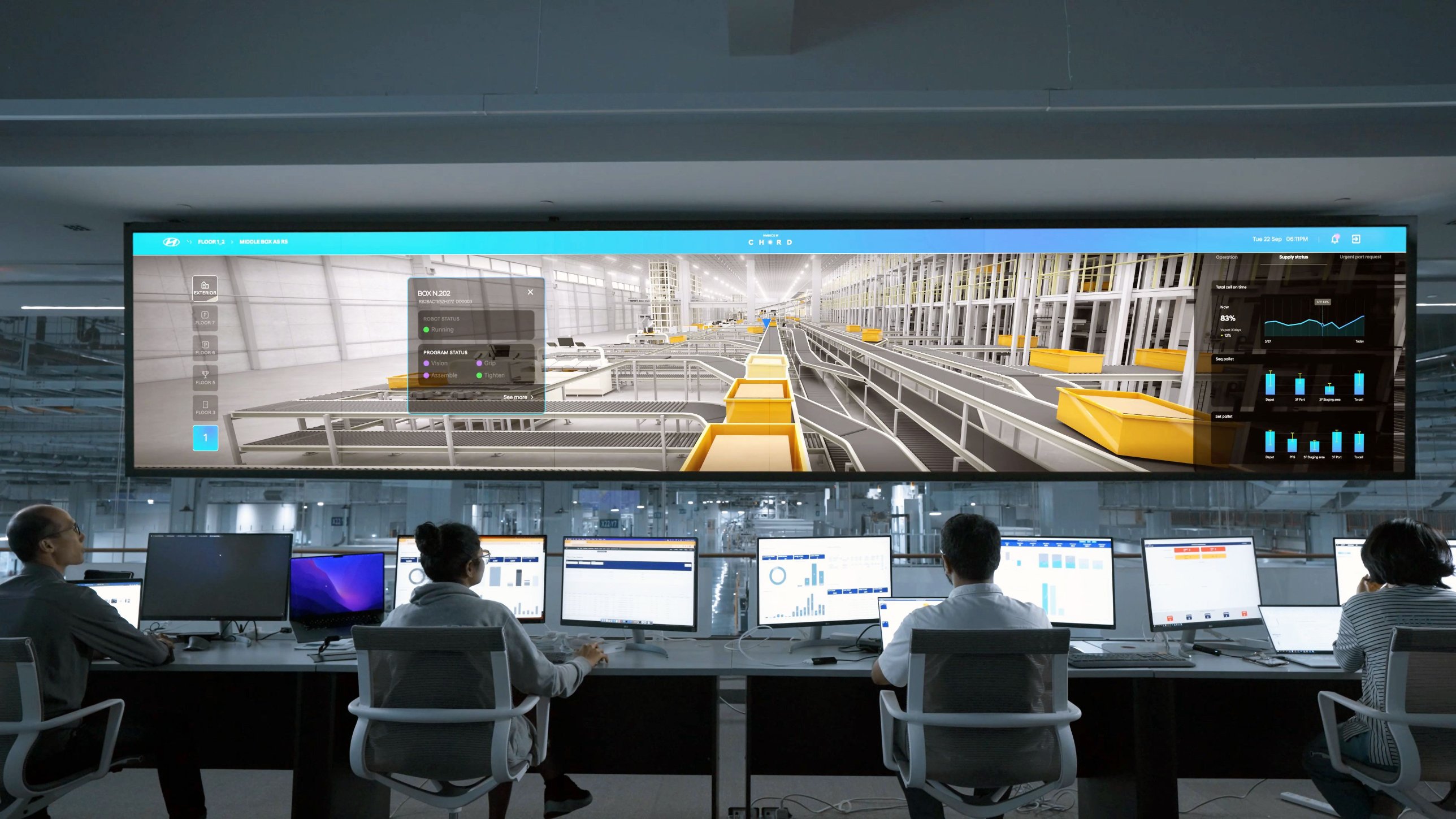
Figure 3 – The NOC of a factory
You have followed a request, built your first network and fixed it.
Next, you'll see how a message finds the right device on a network.Answer the question below
When something doesn't work, which command do you try first?