Sarah joins the company today.
At 9:02 AM, she calls you: "The Internet is down!"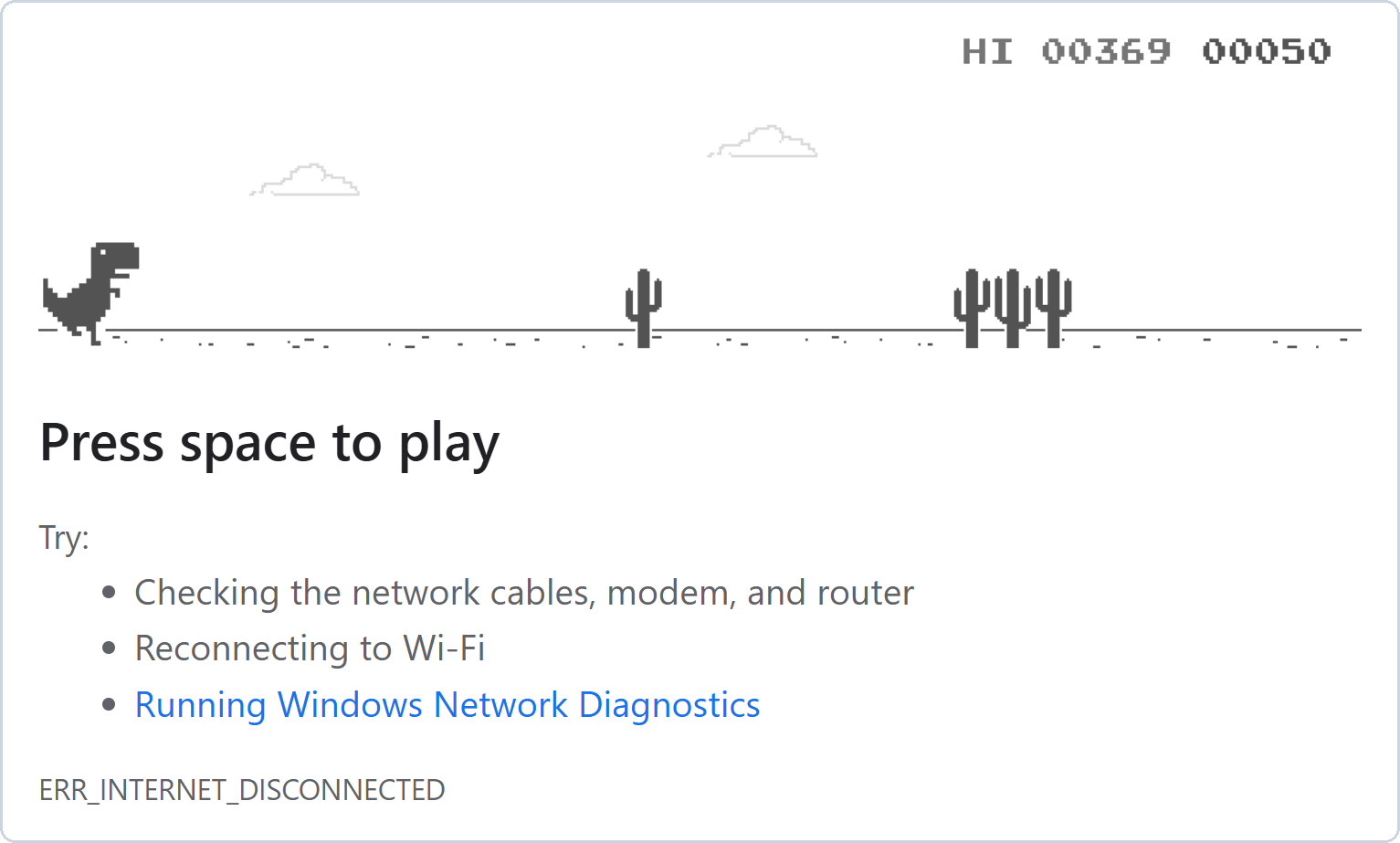
Figure 1 – Sarah's screen
In this lesson, you will find out what is really wrong, and fix it.
Answer the question below
Ready? Click "Complete"
Is the Internet down for everyone, or only for Sarah?
Start with your own PC: PC1.You'll need to...
On PC1, open the browser and go to
youtube.com.Do the same on PC5.
YouTube opens. The Internet is not down, and the office network works.
Only Sarah's PC has a problem.Answer the question below
Does youtube.com open on PC1?
Sarah's PC is PC5.
Check which IP address it has.You'll need to...
Double-click PC5 and open Command Prompt.
Type
ipconfig.
Every PC in the office has an address that starts with
192.168.1.
PC5 has an address that starts with169.254, and no default gateway.PC5 is set to DHCP. It asked for an address, and nobody gave one.
So Windows gave itself an address that starts with169.254.With this address, PC5 can reach nothing.
Answer the question below
Sarah's address starts with 169.___
The DHCP server is SRV1, and it works: PC1 got its address from it.
So why did PC5 get nothing?This office has its own pool,
desks, like the one you created in the DHCP lesson.
It was made for 4 PCs.You'll need to...
On SRV1, open Services, then DHCP.
Compare Max Users with the leases below.
Make room for Sarah in the pool.
Restart PC5.
On PC5, open
youtube.com.
The pool had 4 addresses, and PC5 is the 5th PC.
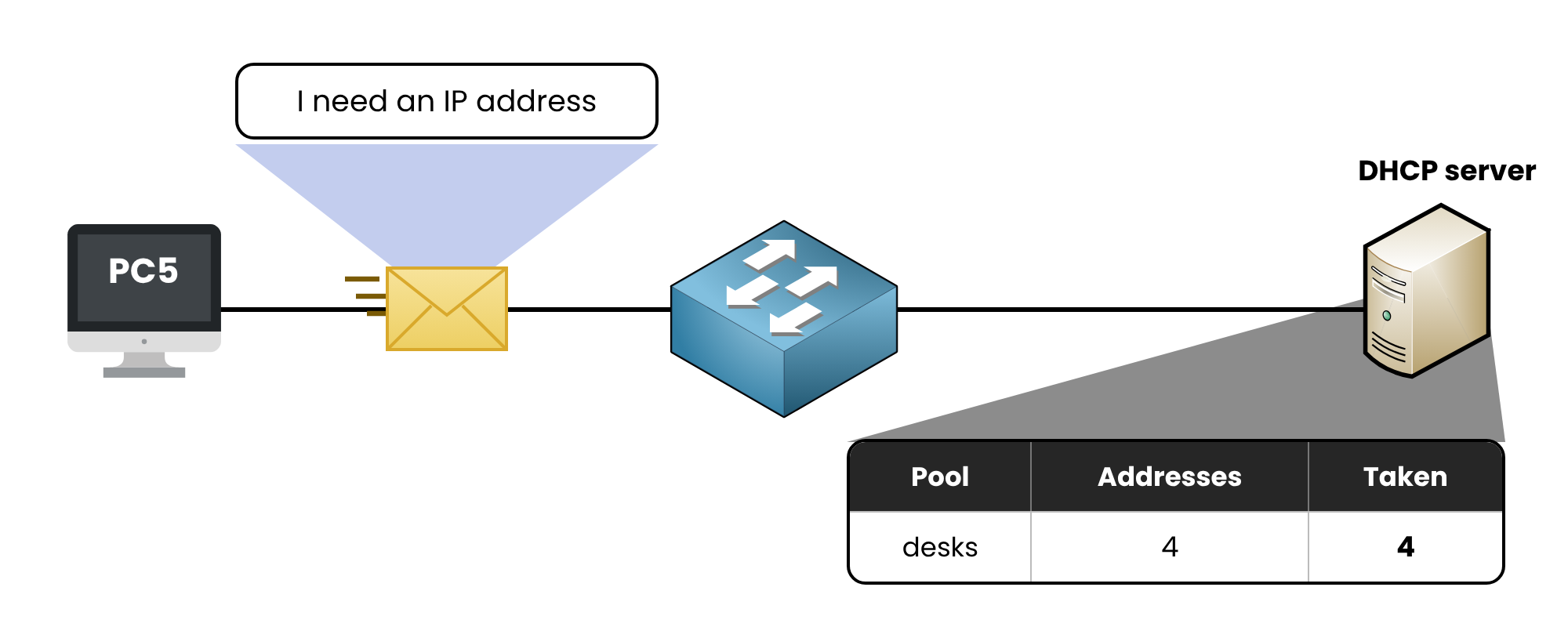
Figure 2 – Every address of the pool was taken
PC5 kept asking for an address. This time, SRV1 had one to give.
The Internet was never down.Answer the question below
When youtube.com opens on PC5, a flag appears. Enter it below.
To find the cause, you did what network engineers do:
You opened YouTube on your own PC, and it worked.
You ran ipconfig on Sarah's PC, and it had no address from the server.
You opened the DHCP server, and its pool was full.
When someone says the Internet is down, it is almost never the Internet.
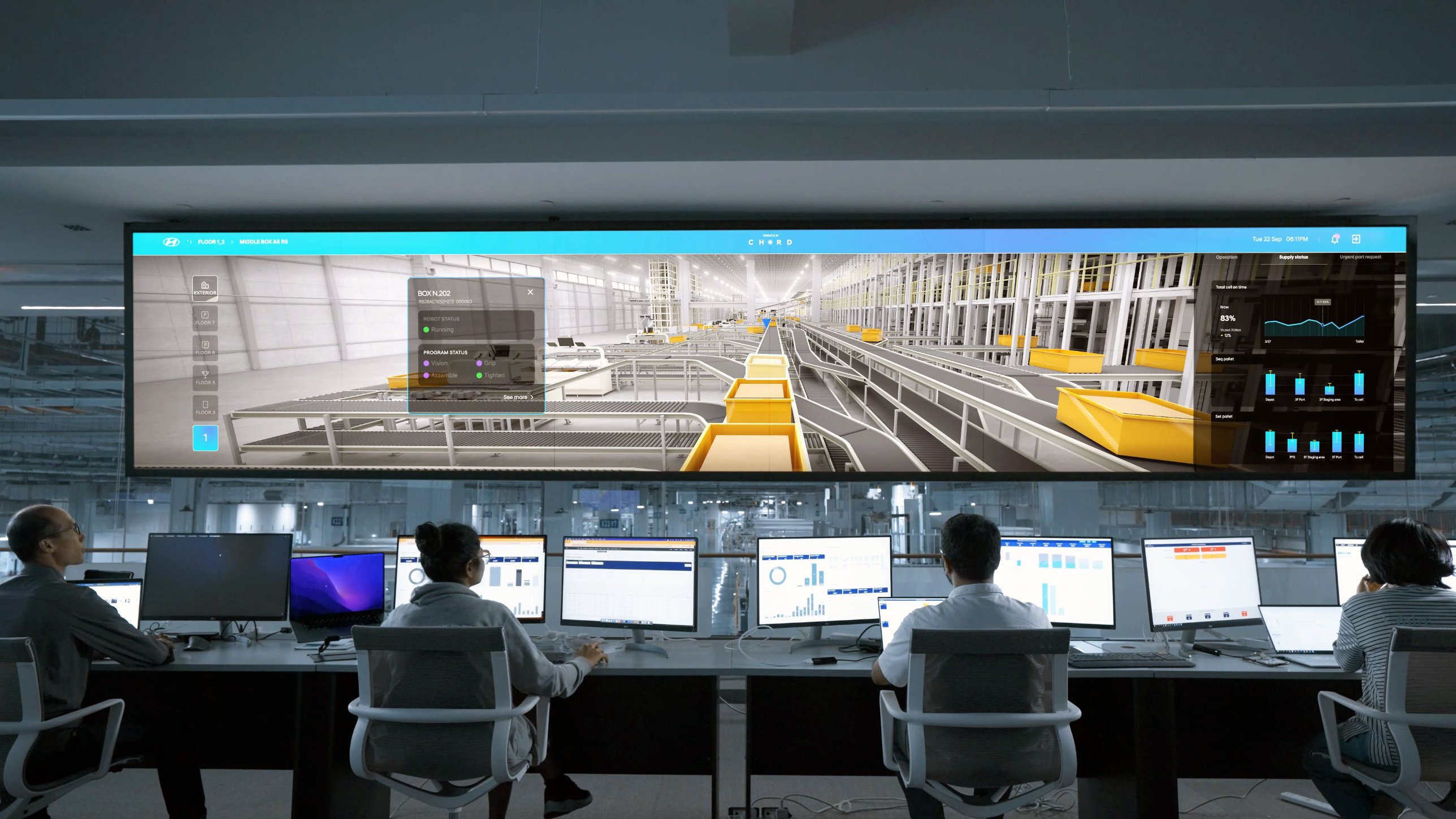
Figure 3 – The NOC of a factory
Teams like this one do the same work every day, on much bigger networks.
This is the end of the path.
You built a network and gave it addresses, by hand and with DHCP.
You put a website online and connected a home to the Internet.
You used DNS and NAT, looked inside packets, and fixed a real problem.The CCNA path takes each of these topics much further.
Answer the question below
A PC gets an address that starts with 169.254 when no ____ server answers.