In the previous lesson, you typed youtube.com on PC1.
But to reach a server, PC1 needs an IP address.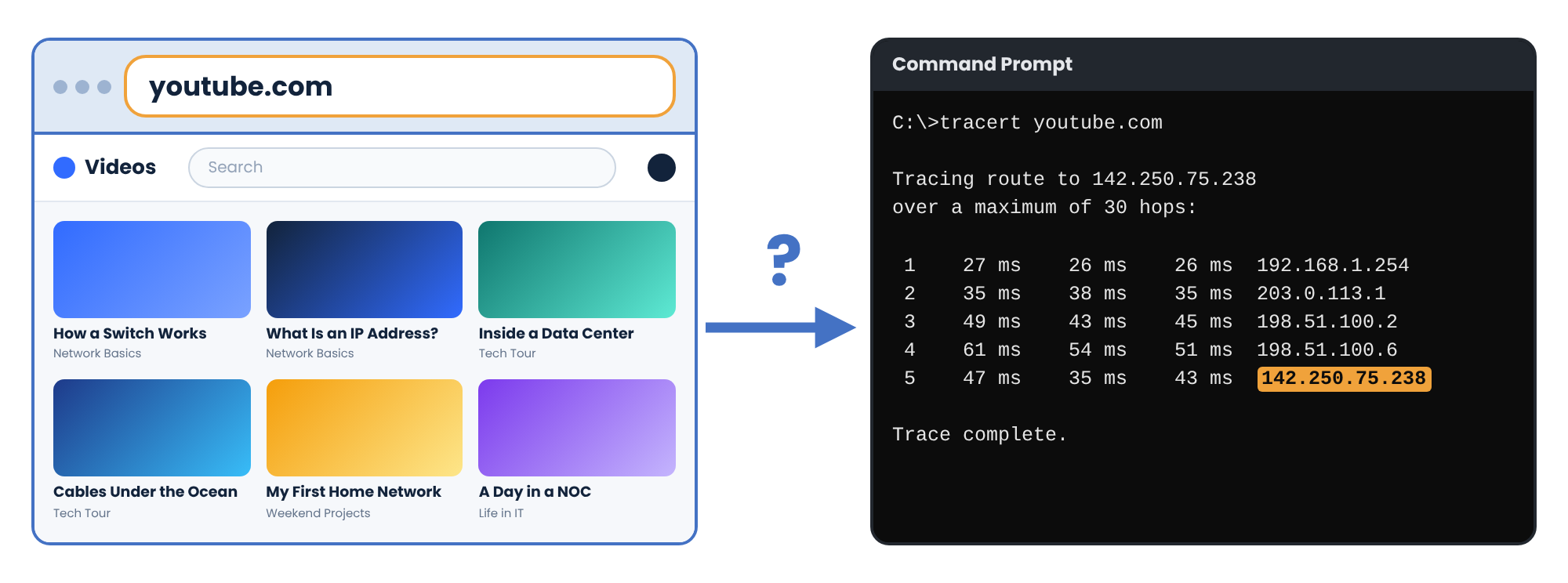
Figure 1 – youtube.com and its IP address
The IP address of youtube.com is
142.250.75.238.In this lesson, you will see how PC1 finds the IP address of a name.
Answer the question below
Ready? Click "Complete"
Type the IP address instead of the name.
You'll need to...
On PC1, open the browser.
Type
http://142.250.75.238.
It is the same page as youtube.com.
PC1 only needs the IP address to reach the server.Answer the question below
What is the title of the second video?
The
nslookupcommand finds the IP address of a name.You'll need to...
On PC1, open Command Prompt.
Type
nslookup youtube.comand press Enter.
8.8.8.8answered. It is a DNS server, run by Google.A DNS server gives the IP address of a name to every device that asks.
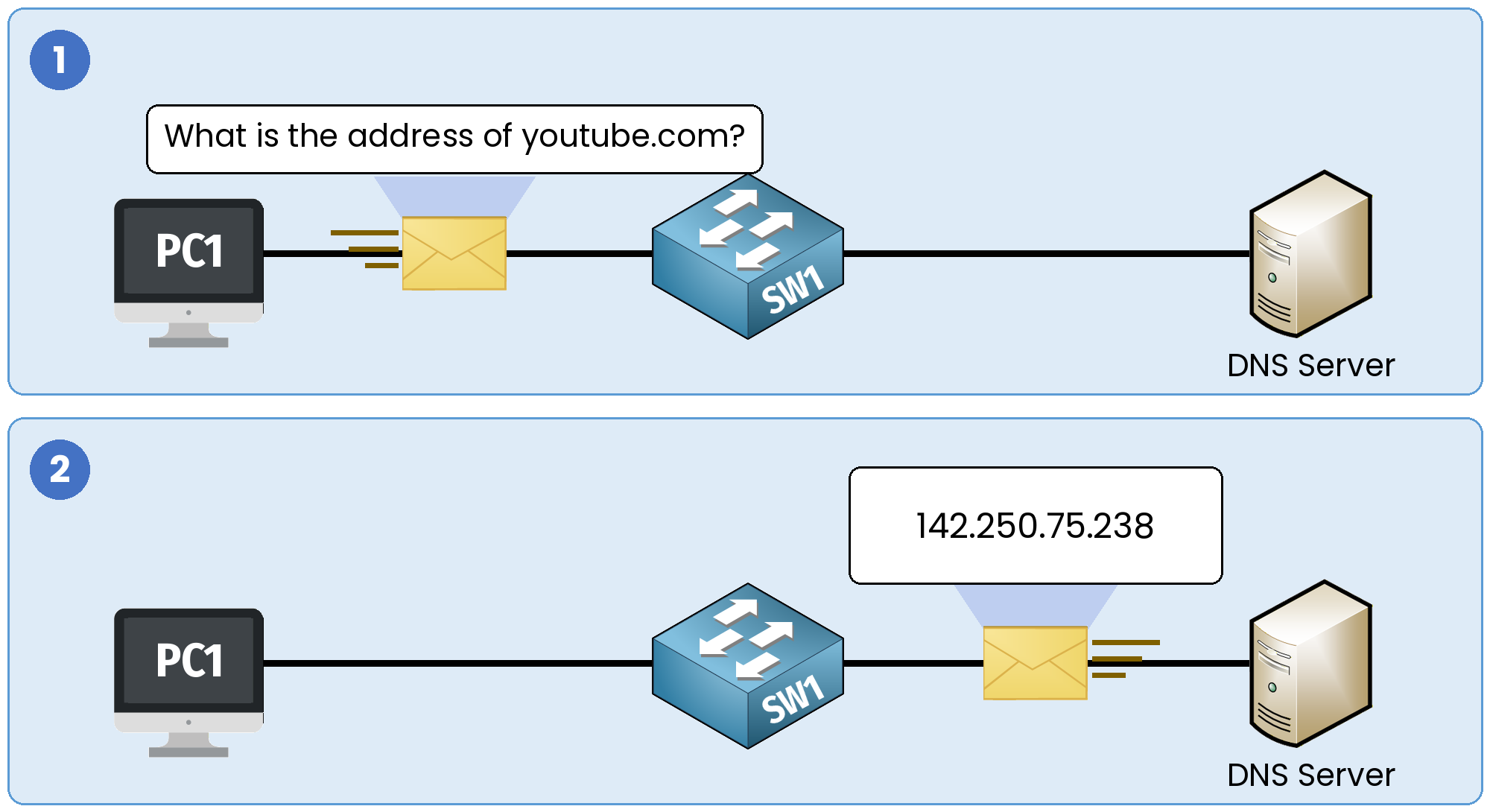
Figure 2 – The PC asks, the DNS server answers
Answer the question below
What is the IP address of the DNS server that answered?
In the lab, the DNS server at
8.8.8.8is GOOGLE-DNS.
You can add a name it does not know yet.On a DNS server, a name and its IP address form a record.
You'll need to...
Double-click GOOGLE-DNS, then open DNS.
Fill in the form, then click Add record:
Name:
networking-is-fun.comAddress:
142.250.75.238
On PC1, open the browser and type
networking-is-fun.com.
YouTube opens, and you changed nothing on PC1.
PC1 asked GOOGLE-DNS for the IP address ofnetworking-is-fun.com, and got142.250.75.238.Every device that asks GOOGLE-DNS now gets this IP address for the new name.
Answer the question below
When YouTube opens with its new name, a flag appears. Enter it below.
Answer the question below
On a DNS server, a name and its IP address form a ______
You can choose the DNS server of your PC.
1.1.1.1is a DNS server run by Cloudflare. Set it on this Windows PC.You'll need to...
Open Network & internet settings.
Next to DNS server assignment, click Edit.
In Preferred DNS, type
1.1.1.1and click Save.Open Command Prompt and type
nslookup youtube.com.
Your PC now asks
1.1.1.1, and gets the same IP address for youtube.com.Answer the question below
What is the IP address of the DNS server that answers now?
On July 14, 2025,
1.1.1.1stopped answering for 62 minutes.
In this lab, it is that evening.You'll need to...
Open the browser and type
youtube.com.Open Command Prompt and type
ping 142.250.75.238.In Settings, click Edit next to DNS server assignment again. Change Preferred DNS to
8.8.8.8and click Save.Open
youtube.comagain.
The YouTube server answered your ping, so it was working.
But your PC could not find its IP address, because1.1.1.1did not answer.That evening, many people thought the Internet was down.
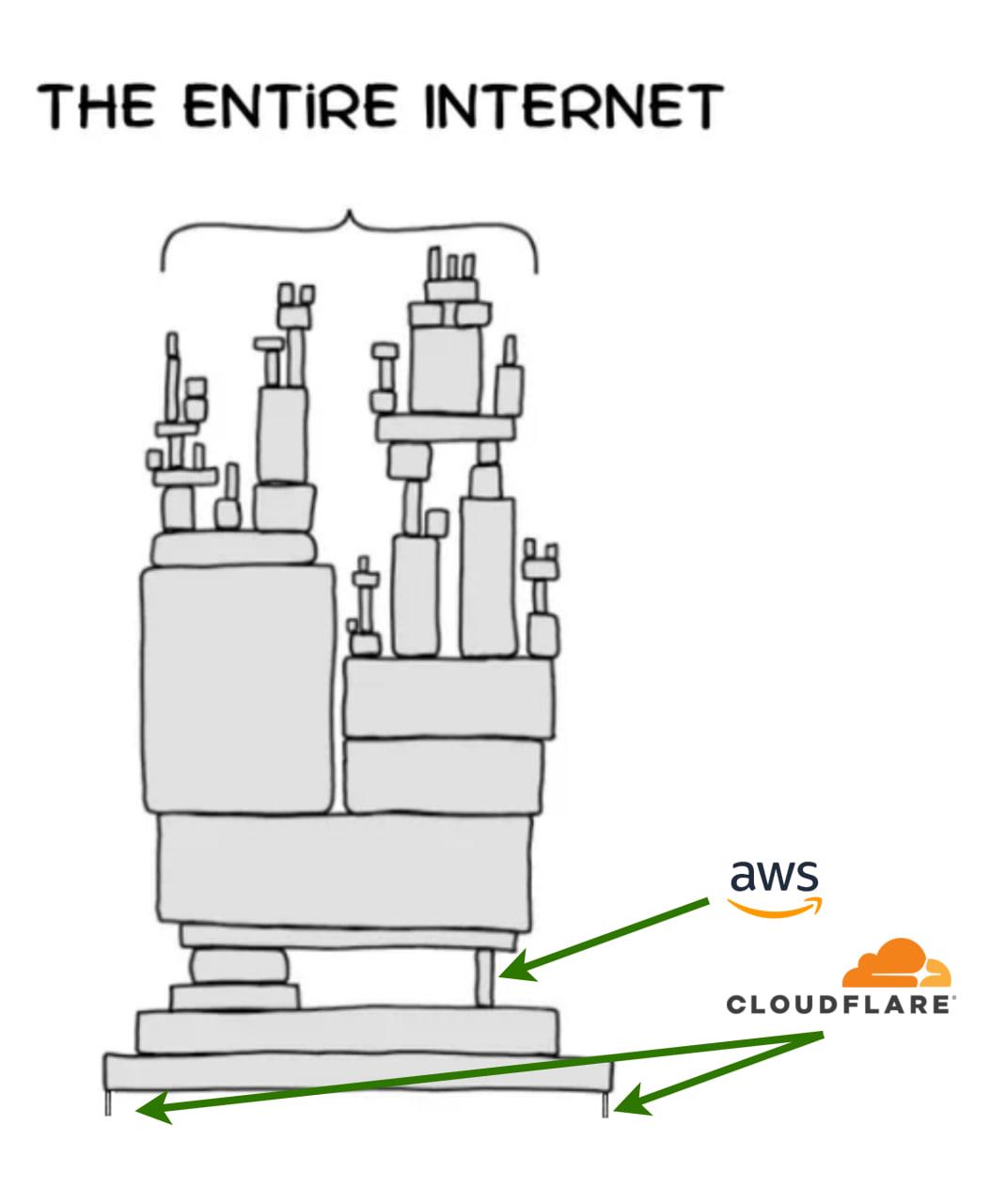
Figure 3 – The entire Internet rests on a few companies
After that evening, many people shared this picture.
In the next lesson, you will see how all the devices in your home share one IP address on the Internet.
Answer the question below
When youtube.com opens again, a flag appears. Enter it below.