The company grows, and 50 new PCs arrive at once.
Each one needs an IP address. Here are the first five.You could type an address on each PC, one by one.
That is a lot of work.Answer the question below
By hand, how many addresses would you have to type for these new PCs?
Companies don't type addresses by hand. They use DHCP.
With DHCP, a server gives an IP address to every device that asks.The PC Asks, the Server Answers
When a PC connects to the network, it has no address yet.
It asks for one, and the DHCP server answers.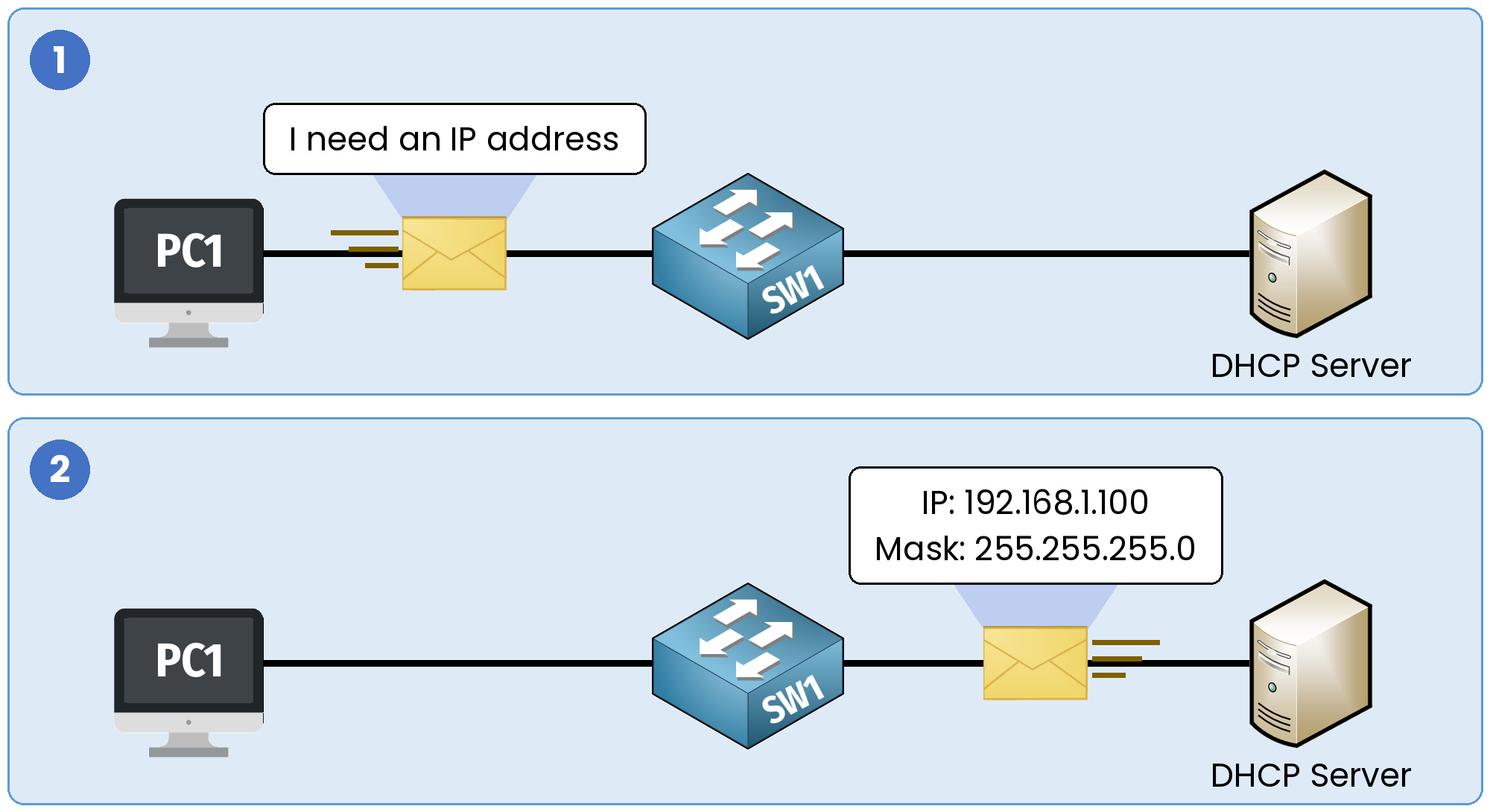
Figure 1 – The PC asks, the DHCP server answers
The answer holds an IP address and a subnet mask.
The Pool
The server gives addresses from a list called a pool.
For example, a pool can go from 192.168.1.100 to 192.168.1.149.Answer the question below
What do companies use to give out IP addresses automatically?
Answer the question below
A DHCP server gives addresses from a list called a ____
Give the 50 new PCs their addresses with DHCP.
You'll need to...
Add a Server and connect it to SW1.
Start the server and give it the IP address
192.168.1.10.Open its Services, then DHCP.
Fill in the pool, then click Add pool:
Pool Name:
desksStart IP Address:
192.168.1.100Subnet Mask:
255.255.255.0Max users:
50
Turn DHCP On.
Start any PC and type
ipconfigin its Command Prompt.
When the PC started, it asked for an address, and SRV1 gave it one.
The PC was already set to DHCP, the Windows default. You did not type any address on it.
Answer the question below
When ipconfig shows the address, a flag appears. Enter it below.