Three new colleagues join the team today, and their PCs are already on their desks.
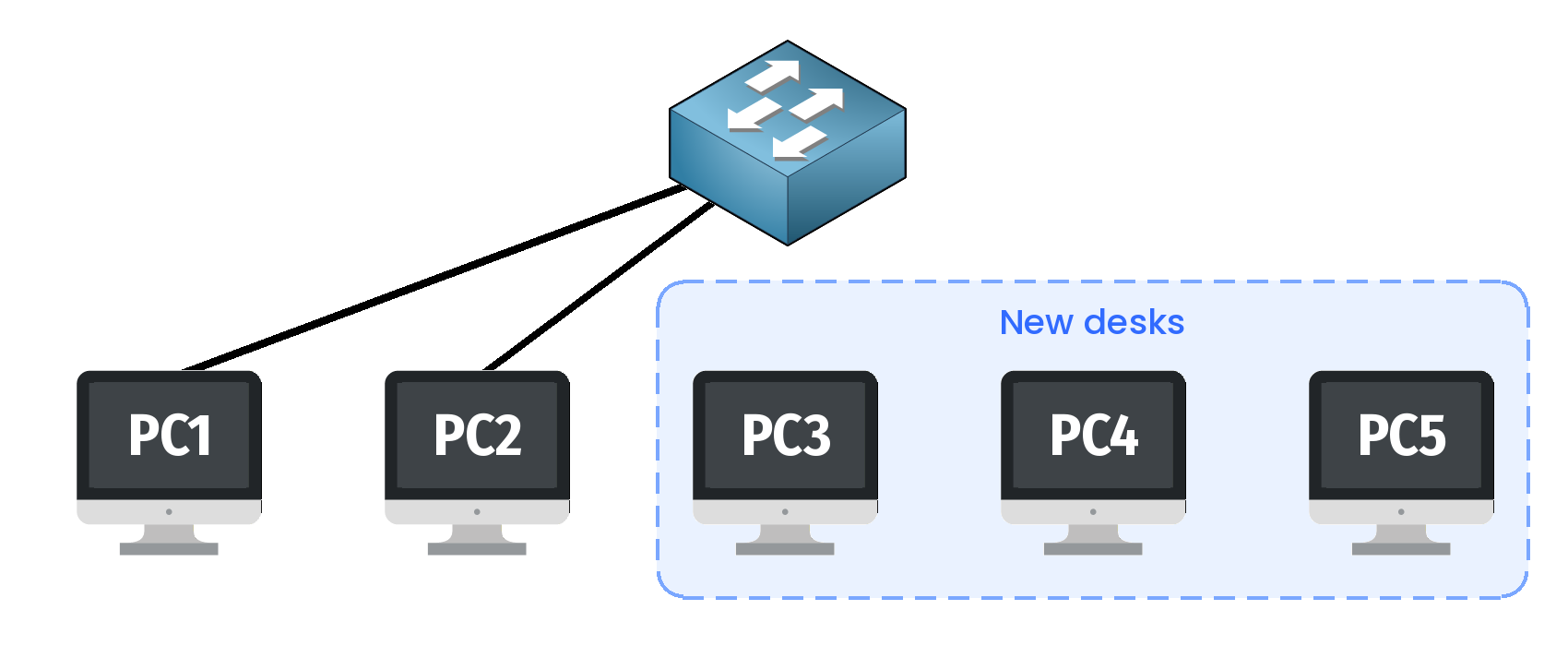
Figure 1 – Three new PCs, not on the network yet
In this lesson, you will connect them to the network so they can work with everyone else.
Answer the question below
Ready? Click "Complete"
First, connect each new PC to the switch with a cable.
Then check that it works: from PC3, ping PC1 at192.168.1.1.You'll need to...
Use the cable tool to connect PC3, PC4 and PC5 to SW1.
Double-click PC3, then open Command Prompt.
Type
ping 192.168.1.1and press Enter.
Answer the question below
What does the ping answer? PING: transmit ______
The ping fails because PC3 has no address yet.
Every device needs an address to send and receive messages.Give each new PC its IP address:
PC3:
192.168.1.3PC4:
192.168.1.4PC5:
192.168.1.5
You'll need to...
On PC3, open Network & internet settings.
Next to IP assignment, click Edit.
Type
192.168.1.3in IP address and click Save.Do the same for PC4 and PC5, with their own IP address.
Double-click PC1, open Command Prompt and
pingeach new PC.
Answer the question below
When PC1 reaches all three new PCs, a flag appears. Enter it below.