Launch the lab below to jump into hands-on practice!
Read the lab objective, configure until everything works as expected, and you'll get your validation flag.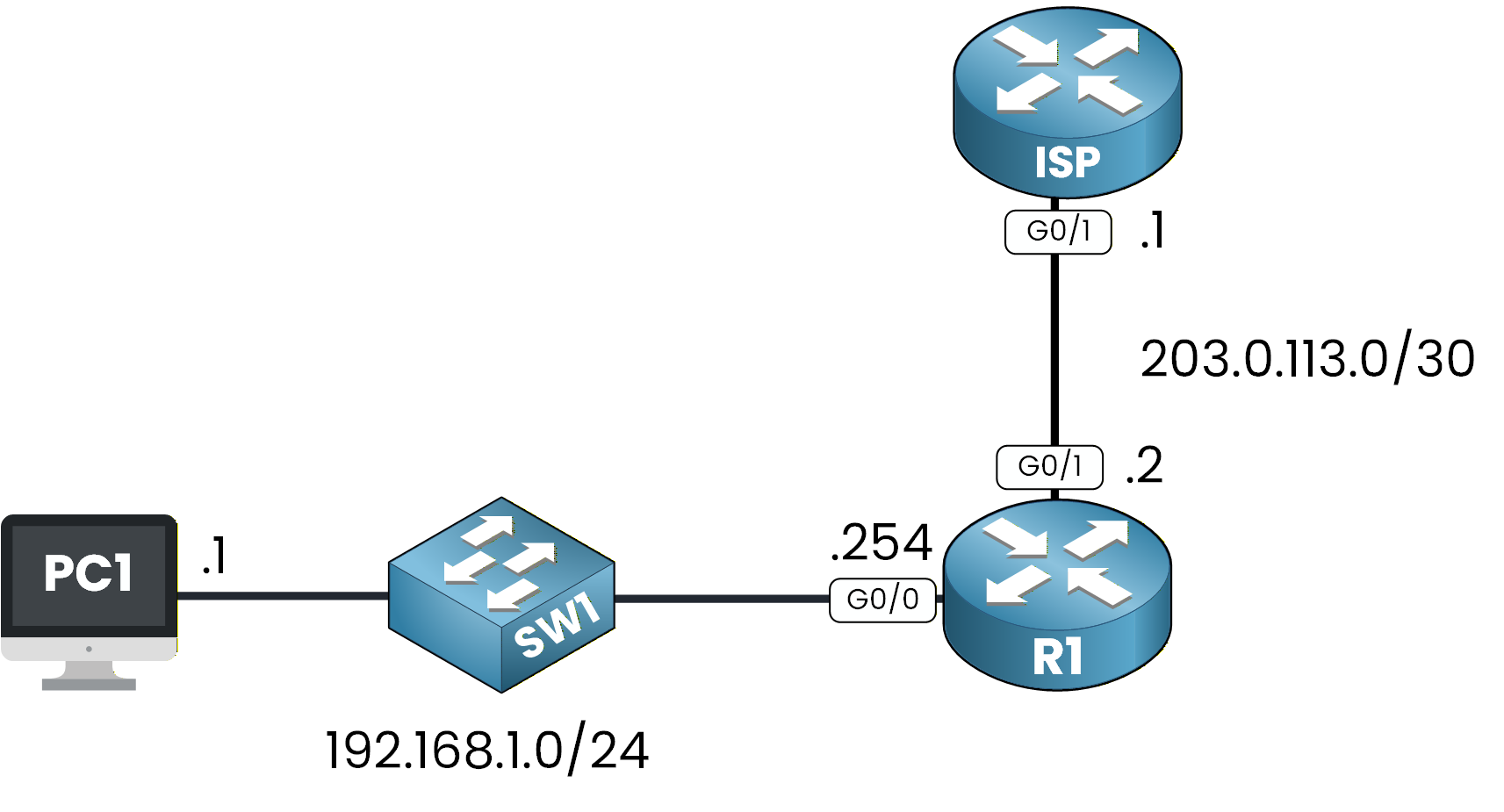
Figure 1 - DHCP Configuration Lab Topology
Answer the question below
Enter the flag you obtained.