When a neighbor crashes or a link dies silently, BGP doesn't receive a warning packet.
By default, that silence lasts up to three minutes before BGP tears down the session.
That's three minutes of sending production traffic straight into a black hole.
Two timers manage this detection process:Keepalive Interval (Default: 60s): How often the router sends a small "I'm still here" packet.
Hold Time (Default: 180s): How long a router waits without hearing anything before declaring the neighbor dead and dropping its routes. Every received keepalive resets this timer back to 180 seconds.
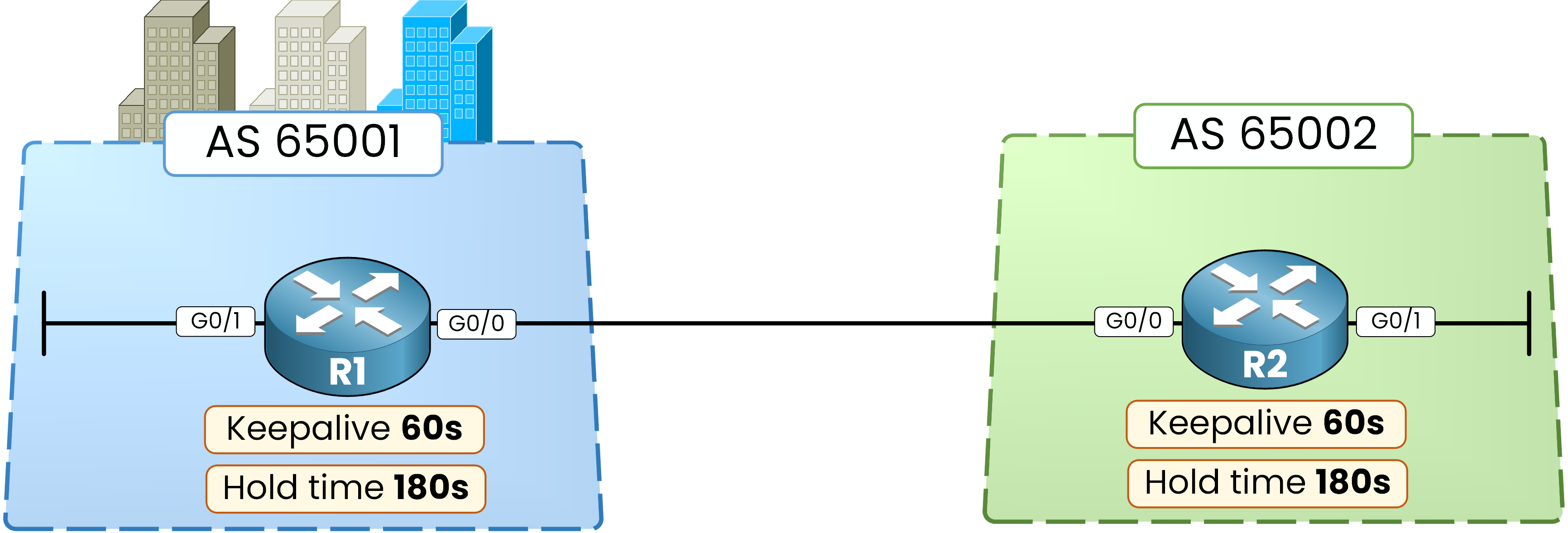
Figure 1 – Default BGP timers: a keepalive every 60 seconds, a hold time of 180 seconds
Answer the question below
With default timers, how many seconds of silence does a router accept before declaring the neighbor dead?
Here is your topology: R1 in AS 65001 connected to R2 in AS 65002.
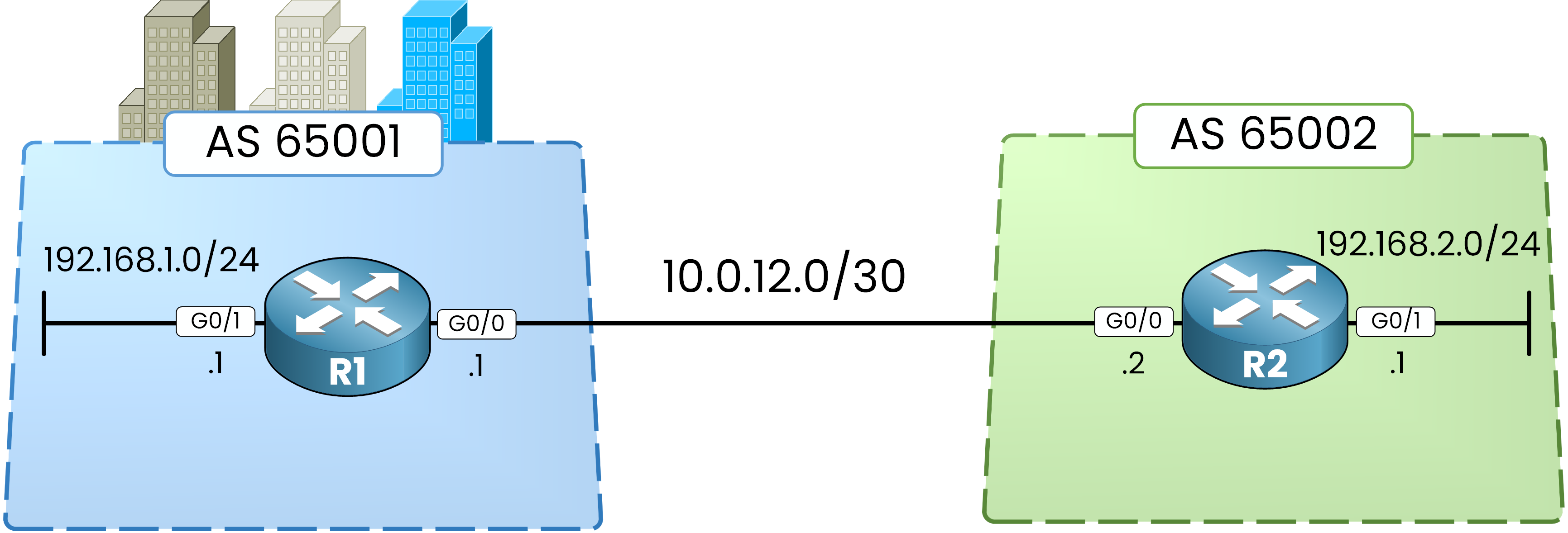
Figure 2 – The lab topology: R1 in AS 65001, R2 in AS 65002
Nothing to rebuild here, this is the exact session you brought up in the previous lesson, and the eBGP peering is still
Established.Go straight to the timers.
Read the Timers in Use
The session is up. Now read the timers this session is actually using:
R1# show bgp ipv4 unicast neighbors 10.0.12.2
BGP neighbor is 10.0.12.2,  remote AS 65002, external link
  BGP version 4, remote router ID 192.168.2.1
  BGP state = Established, up for 00:02:07
  Last read 00:00:16, last write 00:00:17, hold time is 180, keepalive interval is 60 seconds
<output omitted>
Both routers are running the defaults: a keepalive every 60 seconds and a hold time of 180 seconds.
Time to speed up the detection.Answer the question below
The baseline show command confirms neither router has custom timers yet. What keepalive interval does it display, in seconds?
Change the timers on R1 only to a 10-second keepalive and a 40-second hold time (
neighbor 10.0.12.2 timers 10 40). Leave R2 with its defaults.R1# conf t Enter configuration commands, one per line. End with CNTL/Z. R1(config)# router bgp 65001 R1(config-router)# neighbor 10.0.12.2 timers 10 40 R1(config-router)# endConfiguration Scope: The
neighbor <ip> timerscommand targets a single peer. You can set global timers withtimers bgp, but per-neighbor configurations always win.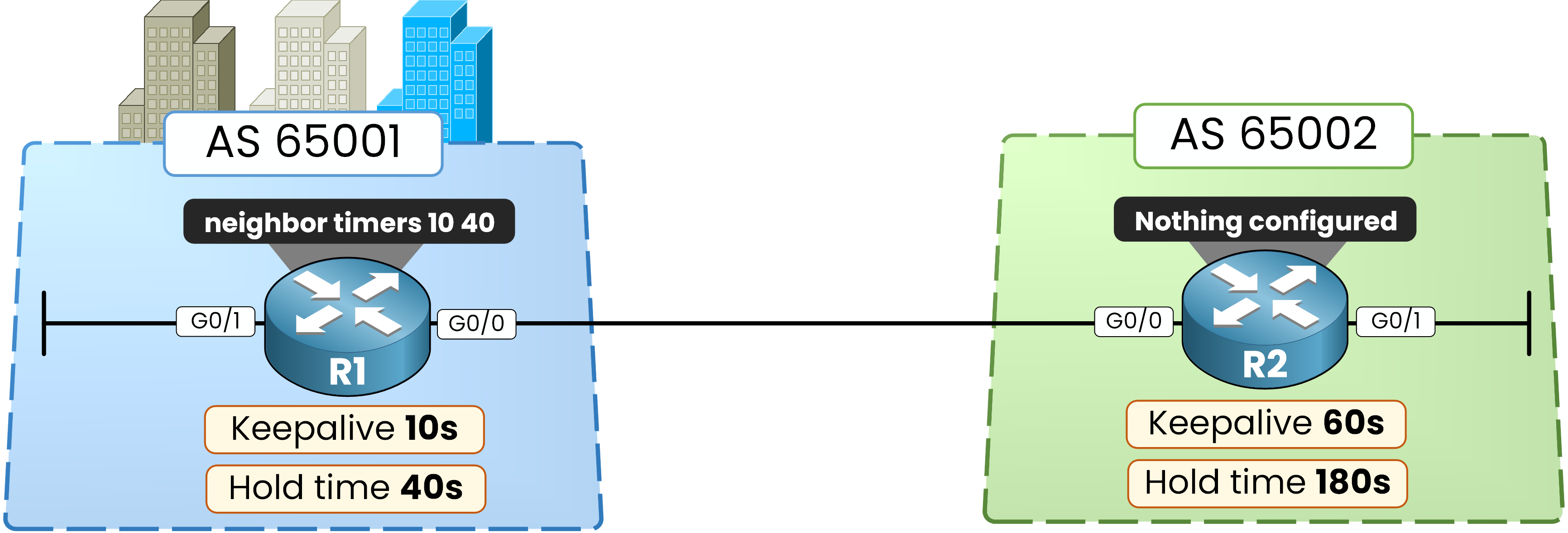
Figure 3 – R1 is configured with a 10-second keepalive and a 40-second hold time
Tweaking timers does not retroactively modify an active session.
Timers are announced inside theOPENmessage when the TCP connection is first negotiated.To force a renegotiation, clear the session:
R1# clear ip bgp *
%BGP-5-ADJCHANGE: neighbor 10.0.12.2 Down User reset
%BGP-5-ADJCHANGE: neighbor 10.0.12.2 Up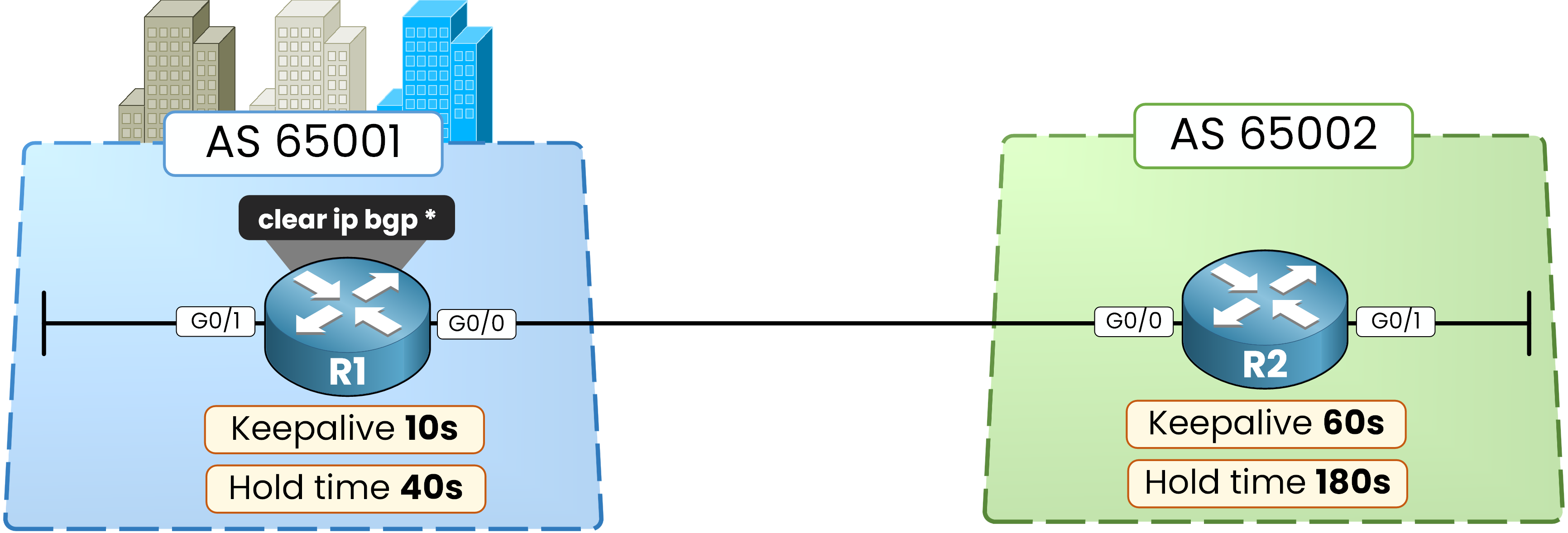
Figure 4 – The new timers only apply to the next session, so R1 resets it
Answer the question below
You change the timers on an Established session. Which BGP message carries the new values to the neighbor, once the session is rebuilt?
R1 requested 10 40, while R2 still requested the defaults (60 180).
Yet, the session comes back up instantly.Check R1 first:
R1# show bgp ipv4 unicast neighbors 10.0.12.2
BGP neighbor is 10.0.12.2,  remote AS 65002, external link
  BGP version 4, remote router ID 192.168.2.1
  BGP state = Established, up for 00:13:42
  Last read 00:00:03, last write 00:00:05, hold time is 40, keepalive interval is 10 seconds
  Configured hold time is 40, keepalive interval is 10 seconds
  Minimum holdtime from neighbor is 0 seconds
<output omitted>
Notice the two key lines:
hold time is 40, keepalive interval is 10 seconds: What the active session is enforcing.Configured hold time is 40...: What you manually configured on this router.
Now check R2, where no custom timers were configured:
R2# show bgp ipv4 unicast neighbors 10.0.12.1
BGP neighbor is 10.0.12.1,  remote AS 65001, external link
  BGP version 4, remote router ID 192.168.1.1
  BGP state = Established, up for 00:14:05
  Last read 00:00:09, last write 00:00:01, hold time is 40, keepalive interval is 13 seconds
<output omitted>
How Timer Negotiation Works (The 1/3 Rule)
Look closely at what R2 is doing: it settled on a Hold Time of 40s and a Keepalive of 13s.
Here is the underlying logic:
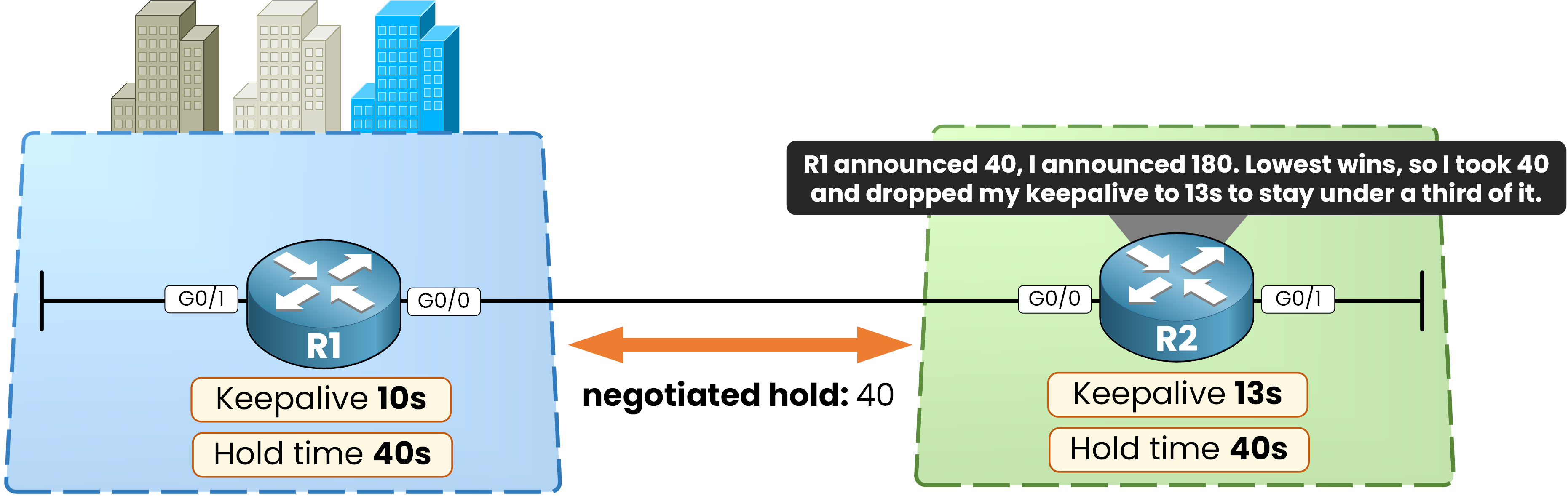
Figure 5 – Both sides adopt the lowest hold time, and R2 recalculates its keepalive
Hold Time IS Negotiated: During the
OPENexchange, R1 advertised 40s and R2 advertised 180s.
The lowest Hold Time always wins. Both routers agree to enforce 40 seconds.Keepalive IS NOT Negotiated: Each router then sets its own Keepalive to the LOWER of two values: the Keepalive it was configured with, and one third of the negotiated Hold Time:
R1 was configured with 10s, and one third of 40 is 13s. The lower of the two wins, so R1 keeps 10s.
R2 was configured with nothing, so only the calculated value is left: 40 / 3 = 13.33 seconds, which rounds down to 13s.
Why 1/3?
Dividing the hold time by 3 gives the connection a built-in safety margin. A router must miss three consecutive keepalive packets before dropping the session, ensuring a single dropped frame won't cause route flapping.
Answer the question below
The negotiated hold time is 40 seconds and R2 kept its default configuration. Which keepalive interval does R2 use?