Thanks to your intervention, the monitoring system is back online!
The Team Leader thanks you for resolving the incident.
Figure 1 – Your first network task is complete
When you are ready, mark this step as complete and continue.
Answer the question below
Click 'Complete' to continue
Wait.
You've already fixed an incident on day one without even knowing what a switch is.
Let's fix that.
A switch is the device that lets all the computers in an office talk to each other.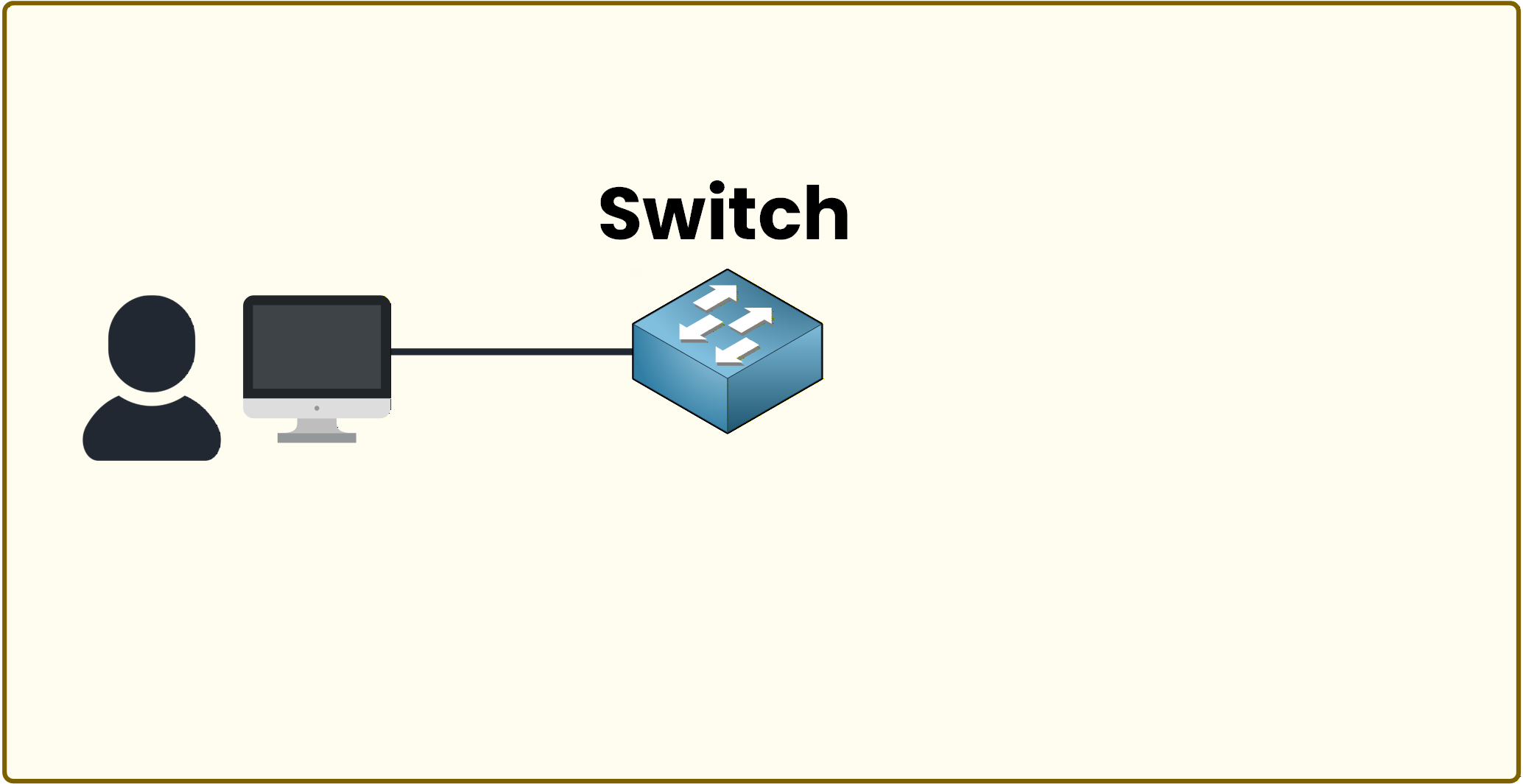
Figure 2 – A computer connected to a switch in a local network
Why the Switch Matters
A switch allows multiple devices to connect and communicate with each other.
In an office, you are usually connected to the same switch as other employees.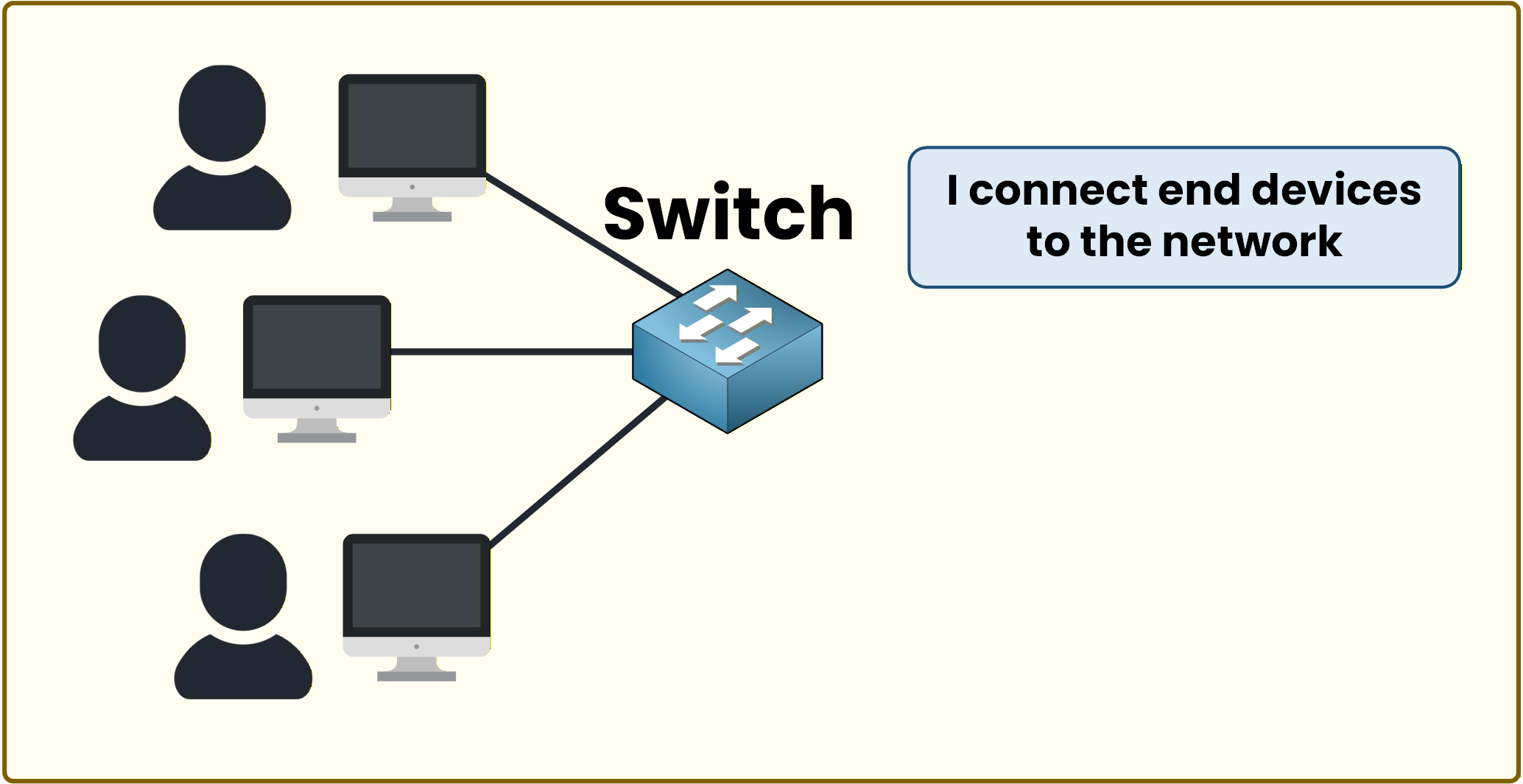
Figure 3 – The switch connects end devices in the network
In the next step, you will access the switch and interact with it directly.
Your first goal will be to name the switch.Open the CLI
Click Start CLI and follow the instructions to rename the switch.
Switch> enable
Switch# configure terminal
Enter configuration commands, one per line.
Switch(config)# hostname SW1
SW1(config)# end
SW1#
Once the Instructions Are Complete
You can see that the hostname has changed.
Great job!These are simple actions, but they are exactly how network administrators start.
You typed four commands and the switch obeyed. The order wasn't random. There's a structure behind it.Answer the question below
Which command changes the name of the switch?