CCNA Home Lab in 2026: What to Use and What It Costs
· 5 min read
To pass the CCNA, you need to practice. You type commands, read what the device answers and fix what's broken.
There are four main options: the PingMyNetwork Sandbox, Packet Tracer, CML Free and used Cisco gear.
What a CCNA lab is for
A CCNA lab has one job: let you practice what you're studying, fast. This week it's VLANs, so you need switches. Next week it's OSPF, so you need routers. Your lab has to change as fast as your topics do.
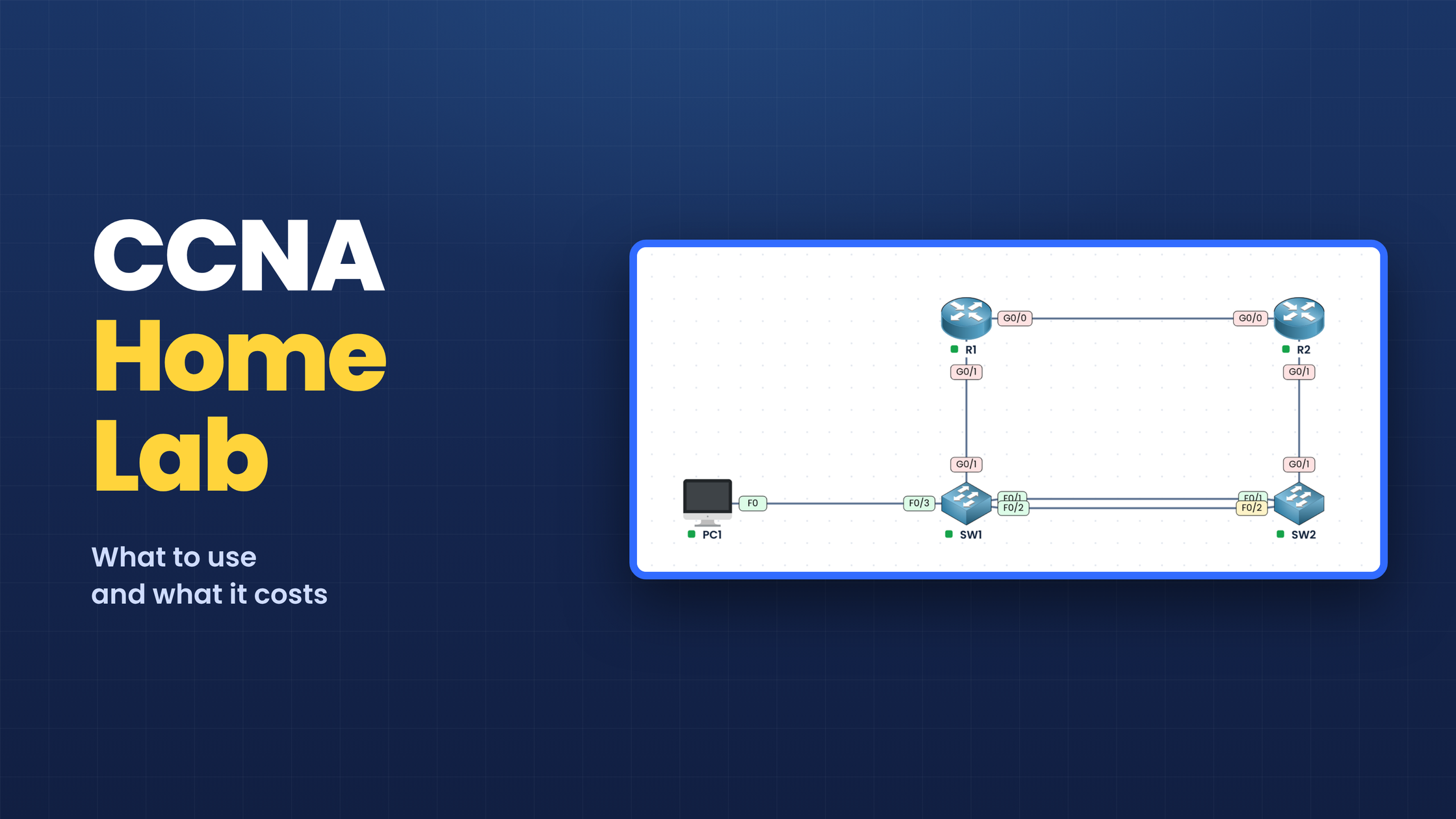
Here's a small lab, with 2 routers, 2 switches and 1 PC:
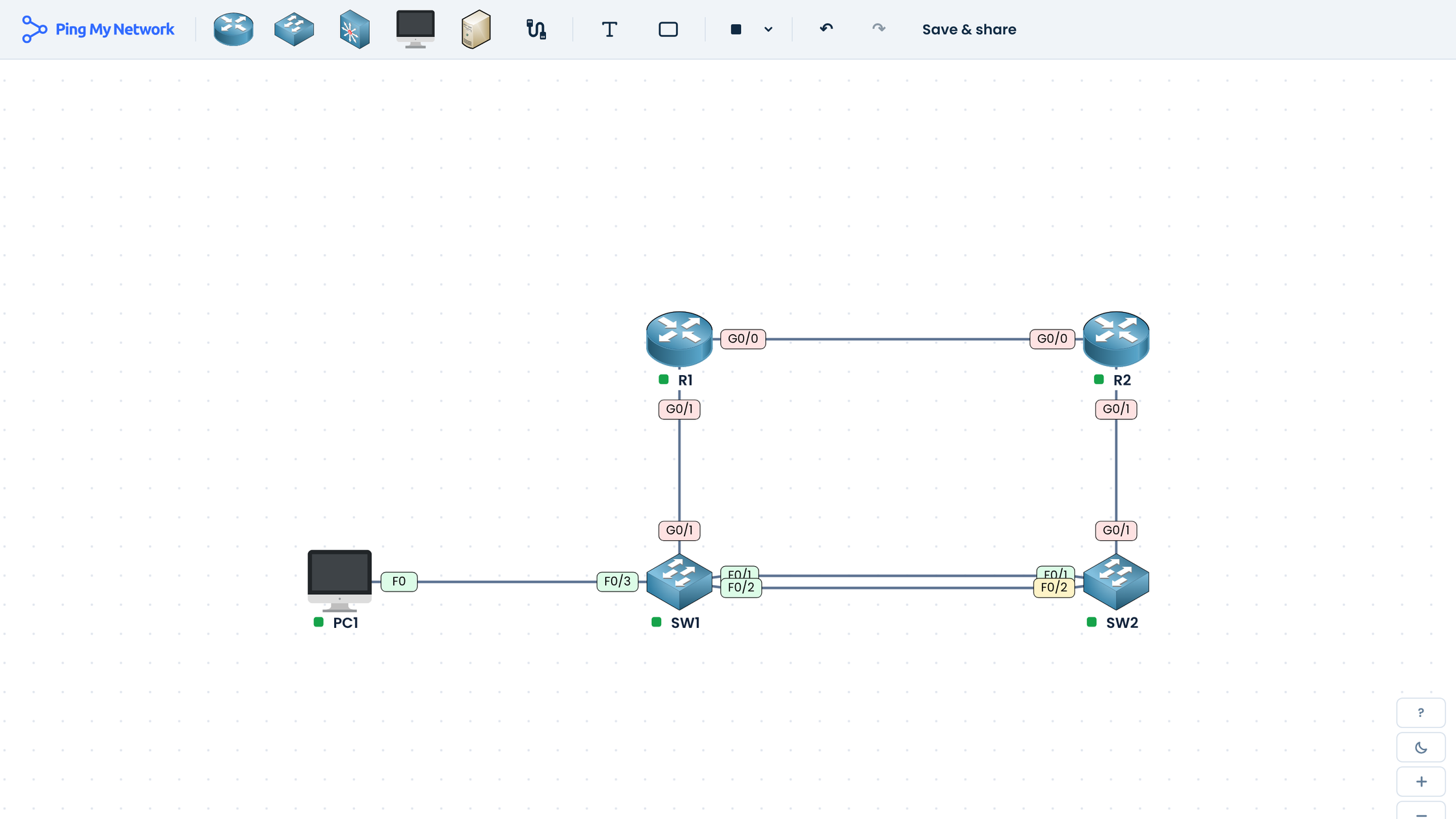
Figure 1 – A small CCNA lab, built in the PingMyNetwork Sandbox.
The 4 options, compared
Three of the four are free. Here's what each one is, and what you need to run it:
Solution | What it is | What you need | Price |
|---|---|---|---|
PingMyNetwork Sandbox | Emulated Cisco devices, in your browser | Any computer with a browser | Free |
Packet Tracer | A simulation of Cisco devices | Windows, Mac or Linux | Free |
CML Free | Real Cisco software, 5 devices at once | An Intel PC with 8 GB of RAM | Free |
Used Cisco gear | Real routers and switches | Any laptop, plus a console cable | $165 to $435 |
PingMyNetwork Sandbox
The PingMyNetwork Sandbox is our new network lab. It runs in your browser. There's nothing to install, and it works on any computer.
You drag devices onto the page: routers, switches, Layer 3 switches, PCs and servers. You connect them with cables. Then you start them and type your commands.
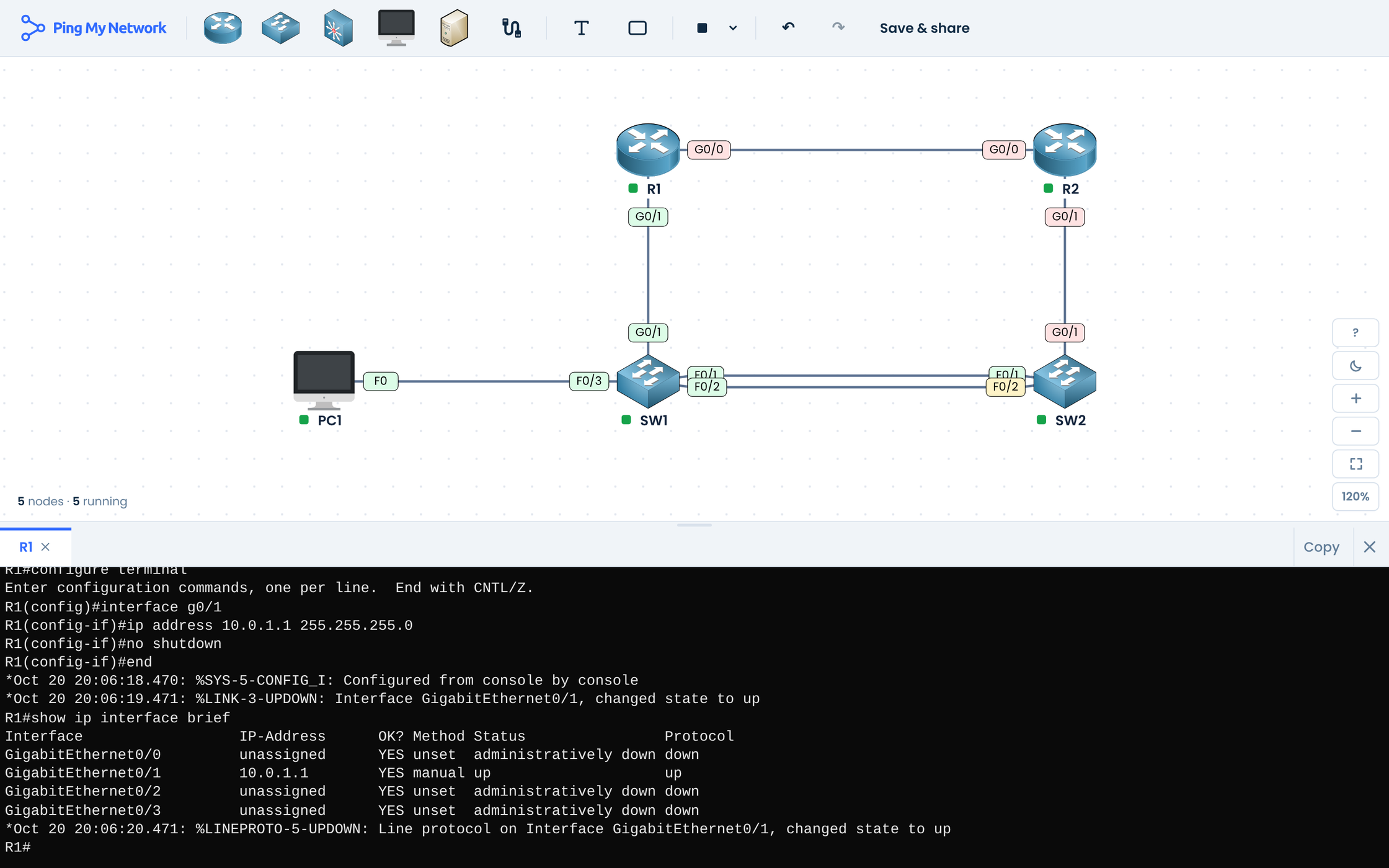
Figure 2 – The same lab, with the R1 console open.
There's no device limit. The devices act like real Cisco devices: same commands, same answers. You can also save your labs, or import labs from the community or from Packet Tracer.
Cisco Packet Tracer
Packet Tracer is Cisco's free network simulator. It runs on Windows, Mac and Linux. You need a free Cisco Networking Academy account.
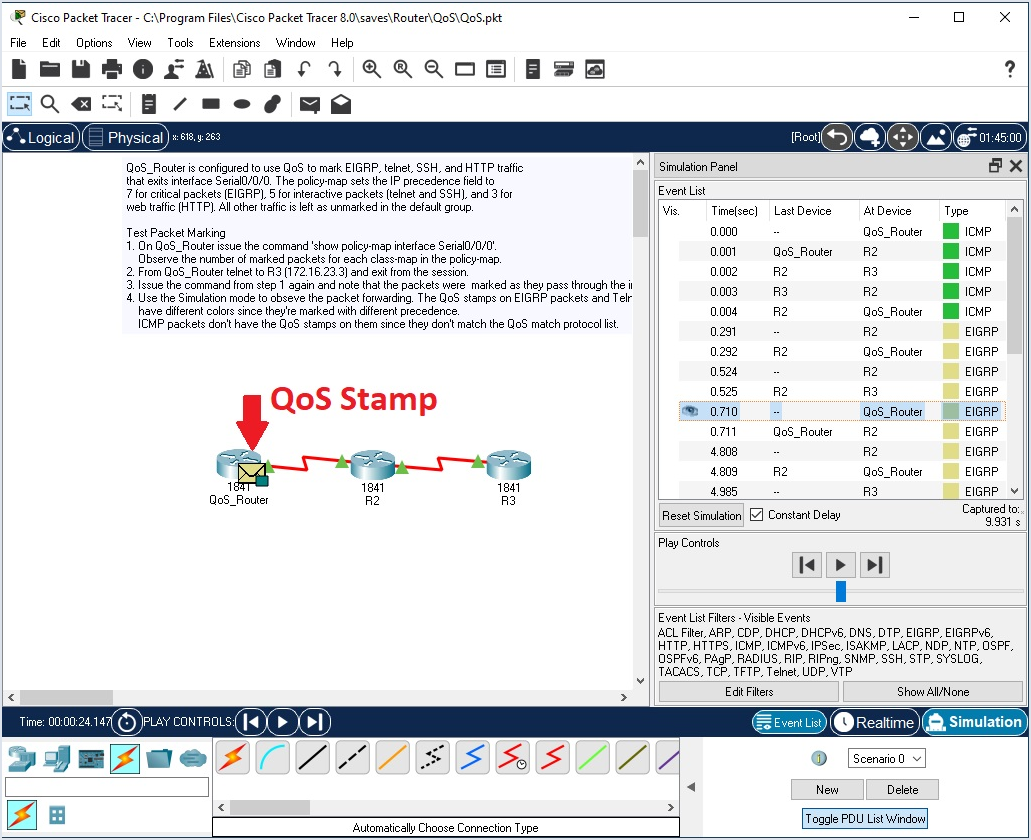
Figure 3 – Packet Tracer in simulation mode (image: Cisco).
It's been around for years, and many CCNA courses use it. You can follow a packet step by step, which helps when you're learning. But it's a simulation, and it shows. Some commands are missing. And the devices don't always answer like real ones.
Cisco Modeling Labs Free (CML Free)
CML Free runs real Cisco software. It's free too, with a Cisco.com account.
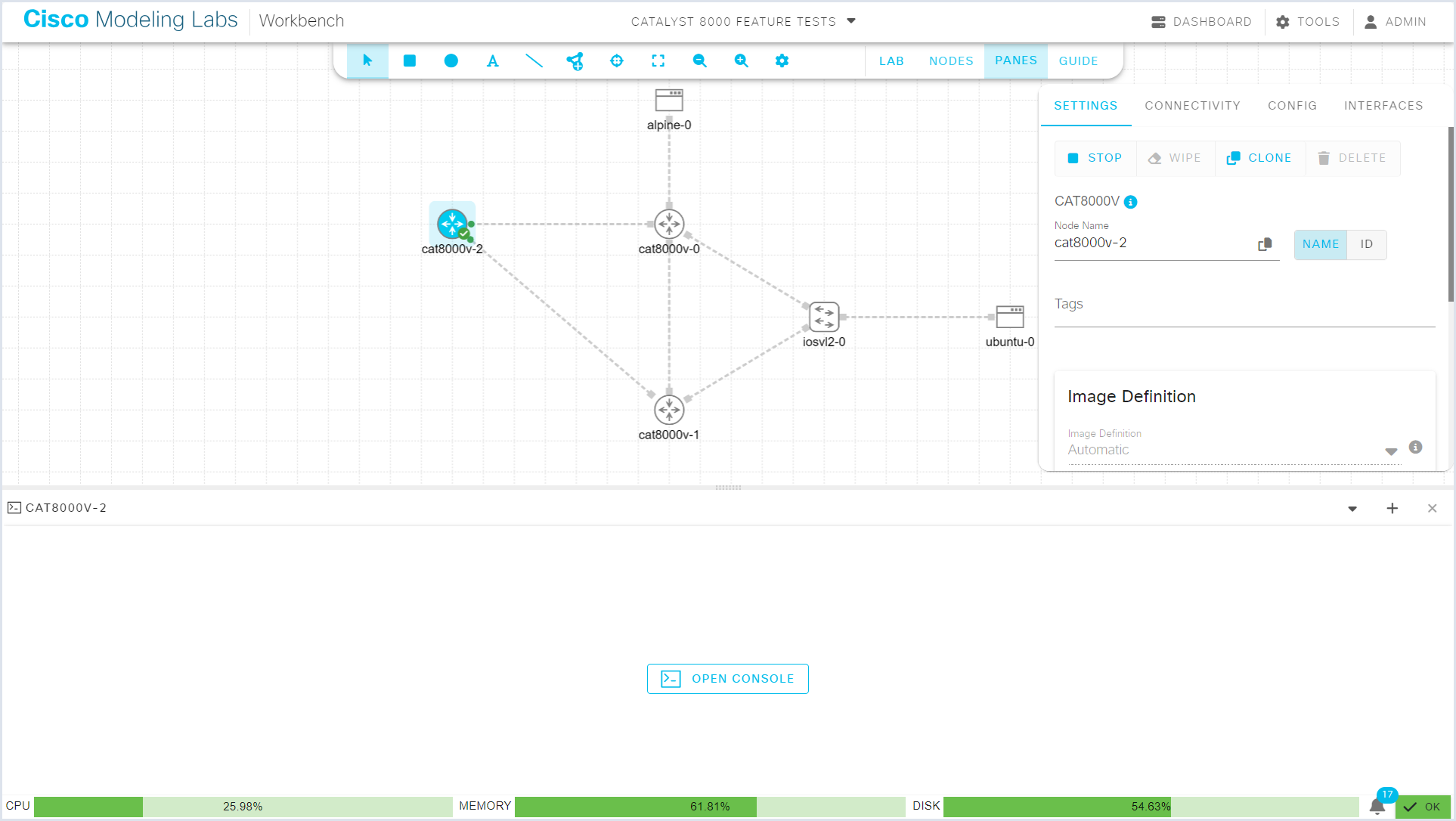
Figure 4 – The Cisco Modeling Labs workbench (image: Cisco).
But it has two limits. First, it runs only 5 devices at a time, and the lab in Figure 1 already fills it. Second, it needs a strong PC, with an Intel processor and 8 GB of RAM. It doesn't run on Macs with an M chip.
Need more devices? CML Personal costs $199 a year, for 20 devices.
Used Cisco gear
Real gear teaches what software can't. You plug in real cables and read the lights.
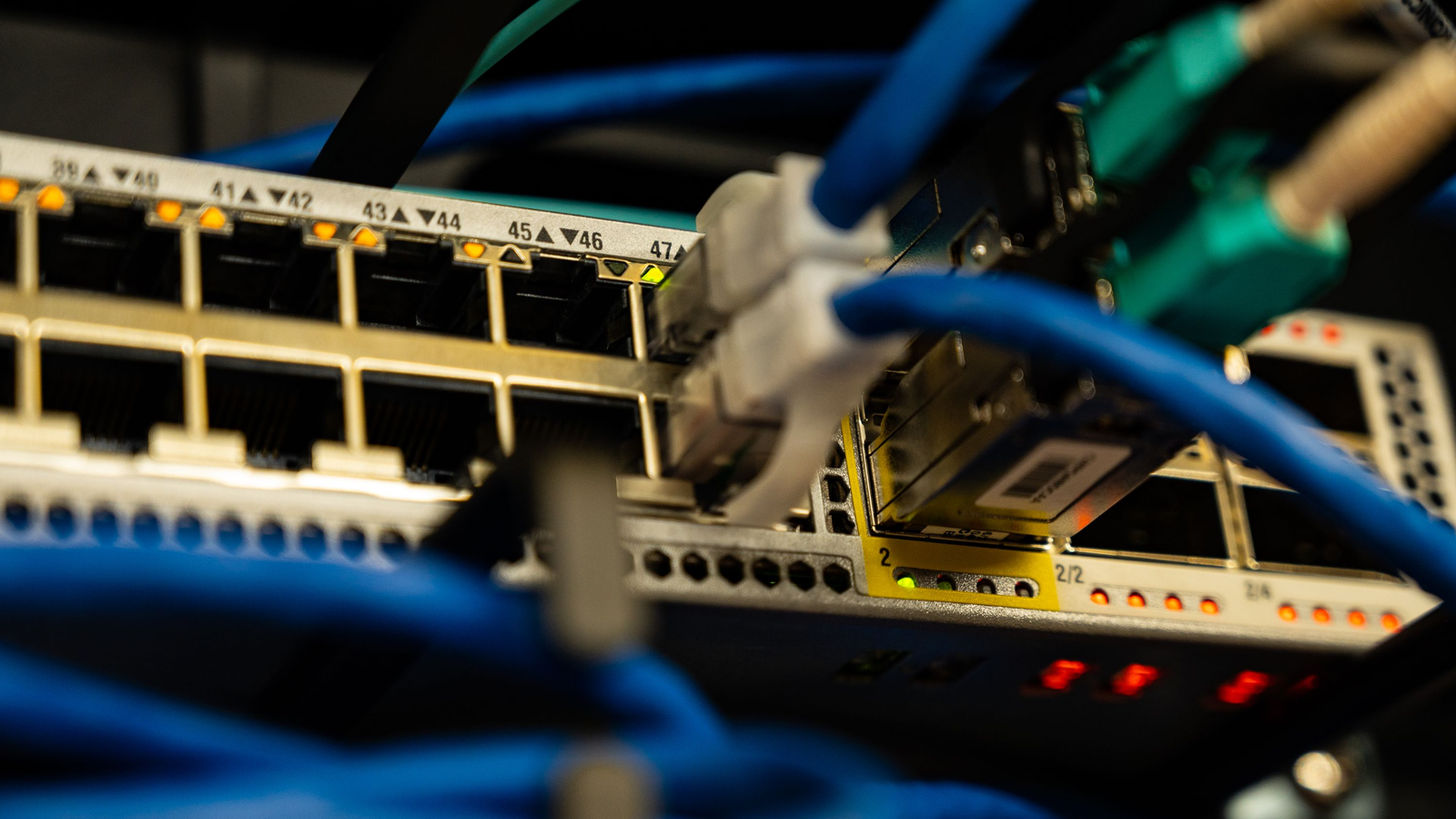
Figure 5 – A switch with its cables plugged in (photo: Pexels).
A good kit has 2 routers, 2 switches and 1 console cable. All together, it costs $165 to $435 before shipping. Left on all the time, it also adds about $230 a year to your power bill, so turn it off after each session.
The routers
A router links networks together. In your lab, it's where you set up OSPF and NAT.
Look for the ISR 4321. Used, it costs $35 to $130. It runs IOS XE, the software you'll see at work.
One thing to check: some ISR 4321s have a faulty clock part. With time, it can fail, and the router never starts again. That's why many listings say "no clock bug." Ask the seller before you buy.
The switches
A switch links the devices inside one network, like the PCs in an office. In your lab, it's where you set up VLANs, trunks and spanning tree.
Three good choices, used:
Switch | What you can practice | Used price |
|---|---|---|
Catalyst 2960-X (WS-C2960X-24TS-L) | VLANs, trunks, spanning tree, EtherChannel, port security. No OSPF. | $50 to $85 |
Catalyst 2960-XR (WS-C2960XR-24TS-I) | The same, plus OSPF and HSRP on the switch | $40 to $70 |
Catalyst 1000 (C1000-24T-4G-L) | The same as the 2960-X, with no fan: it's silent | $125 to $300 |
The 2960-XR does more for about the same price, so it's the one to look for. You'll also see the Catalyst 3560-X for cheap. Skip it: it uses 2.5 times the power of a 2960-X.
The console cable
A new router has no IP address yet, so you can't reach it over the network. You plug a console cable into it and into your laptop. Then you type your first commands.
Buy a USB to RJ-45 console cable, for $15 to $35. It works with every device in this kit. You'll also need a few network cables to link the devices.
What about GNS3 and EVE-NG?
You'll see them in other guides. They're free, but they don't come with Cisco software. You have to bring your own. And most of the time, that software costs money or is an illegal copy.
Which lab should you pick?
To learn and practice every day, use the PingMyNetwork Sandbox. To touch real gear, buy a used kit. Want to try the Sandbox? It's free.
 Written by Dorian AlaryPingMyNetwork co-founderCCNA 200-301Developper


